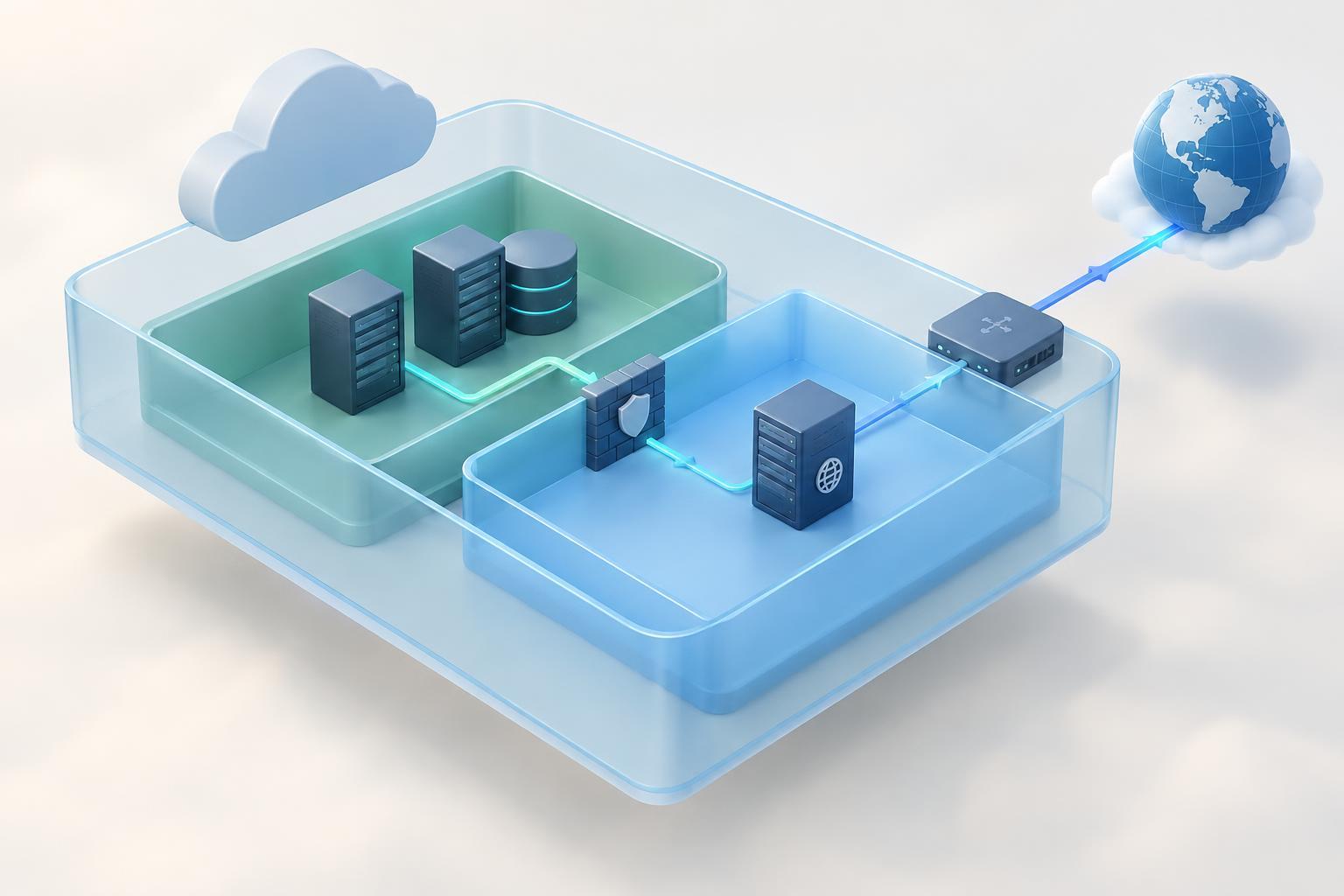
What a virtual private cloud does
A virtual private cloud, often shortened to VPC, is a logically separated network space within a cloud platform. It gives a team a place to connect resources such as application servers, databases, and load balancers while choosing their private IP address ranges and network routes. Think of it as a network boundary you can configure, rather than a physical network you own.
A VPC is a useful starting point for organizing cloud infrastructure, but its boundary does not make every resource secure by itself. Resources still need appropriate access rules, and any service intended for internet access needs a deliberate path to and from the internet. Cloud providers use different names and defaults for these features, so check the settings rather than assuming a newly created VPC has the behavior you want.
How subnets divide the address space
When creating a VPC, you assign it an IP address range, commonly written in CIDR notation. For example, 10.42.0.0/16 describes a range of private IPv4 addresses. A subnet takes a smaller, nonoverlapping range from that space. You might assign 10.42.1.0/24 to one subnet and 10.42.2.0/24 to another. The number after the slash describes the size of the address block: a larger number means a smaller block.
Subnets help you group resources by purpose and placement. An application might have one subnet for internet-facing components and another for databases. Depending on the provider, a subnet may also belong to a particular availability zone or similar location. Providers may reserve some addresses within each subnet, so the number of addresses you can assign to resources can be smaller than the full block suggests.
Choose address ranges with room for likely growth, but avoid overlapping ranges when networks may later need to connect. Overlap can make routing between a VPC, another cloud network, or an office network difficult. A simple address plan written down before deployment is easier to maintain than ranges chosen separately for each new resource.
What makes a subnet public or private?
The labels “public subnet” and “private subnet” describe intended connectivity, not different kinds of IP addresses. A public subnet typically has a route that can send internet-bound traffic to an internet gateway or equivalent service. A resource in that subnet also needs a suitable public address and permissive access rules to be directly reachable from the internet. A route alone does not publish every resource.
A private subnet lacks a direct route for inbound internet access. Its resources can still communicate with other permitted resources in the VPC. If a private application server needs to download updates or call an external service, it may use a network address translation service, often called NAT, for outbound connections. NAT is not the same as allowing unsolicited inbound connections, and it may add cost and operational considerations.
Picture a small web application: a public-facing load balancer receives requests, application servers process them in private subnets, and a database sits in a subnet without a direct internet path. This layout limits where outside traffic can arrive. It does not replace authentication, software updates, or careful configuration of the application and database.
Routes and access rules work together
A route table tells network traffic where to go based on its destination. It might include a route for traffic within the VPC and another route toward an internet gateway or NAT service. The route associated with a subnet helps determine which destinations its resources can reach. When troubleshooting a connection, checking the route in both directions is often more useful than checking only the source.
Security controls answer a different question: which traffic is allowed? Cloud platforms commonly provide resource-level rules, sometimes called security groups, and may also offer subnet-level network access controls. Their names and behavior vary by provider. For a web application, you might allow web traffic to a load balancer, allow only that load balancer to reach the application, and allow only the application to reach the database on the required port.
A successful connection may also depend on DNS, operating-system firewalls, and the service listening on the expected address and port. If two resources cannot communicate, trace the path step by step: identify their addresses, inspect the relevant routes, check access rules at both ends, and then test the service itself.
A practical first design
For a small learning environment, start with one VPC and a few clearly named subnets. Assign each subnet a nonoverlapping range, record its purpose, and decide whether it needs direct internet routing. Put only components that must accept internet traffic on a path that allows it. Keep databases and internal services on more restricted paths, with access limited to the components that need them.
Before adding complexity, draw a simple diagram showing each component, its subnet, and the direction of allowed traffic. Then compare that diagram with the actual route tables and access rules. This habit makes a VPC easier to understand: subnets organize addresses and placement, routes provide paths, and security rules control which traffic may use those paths.


