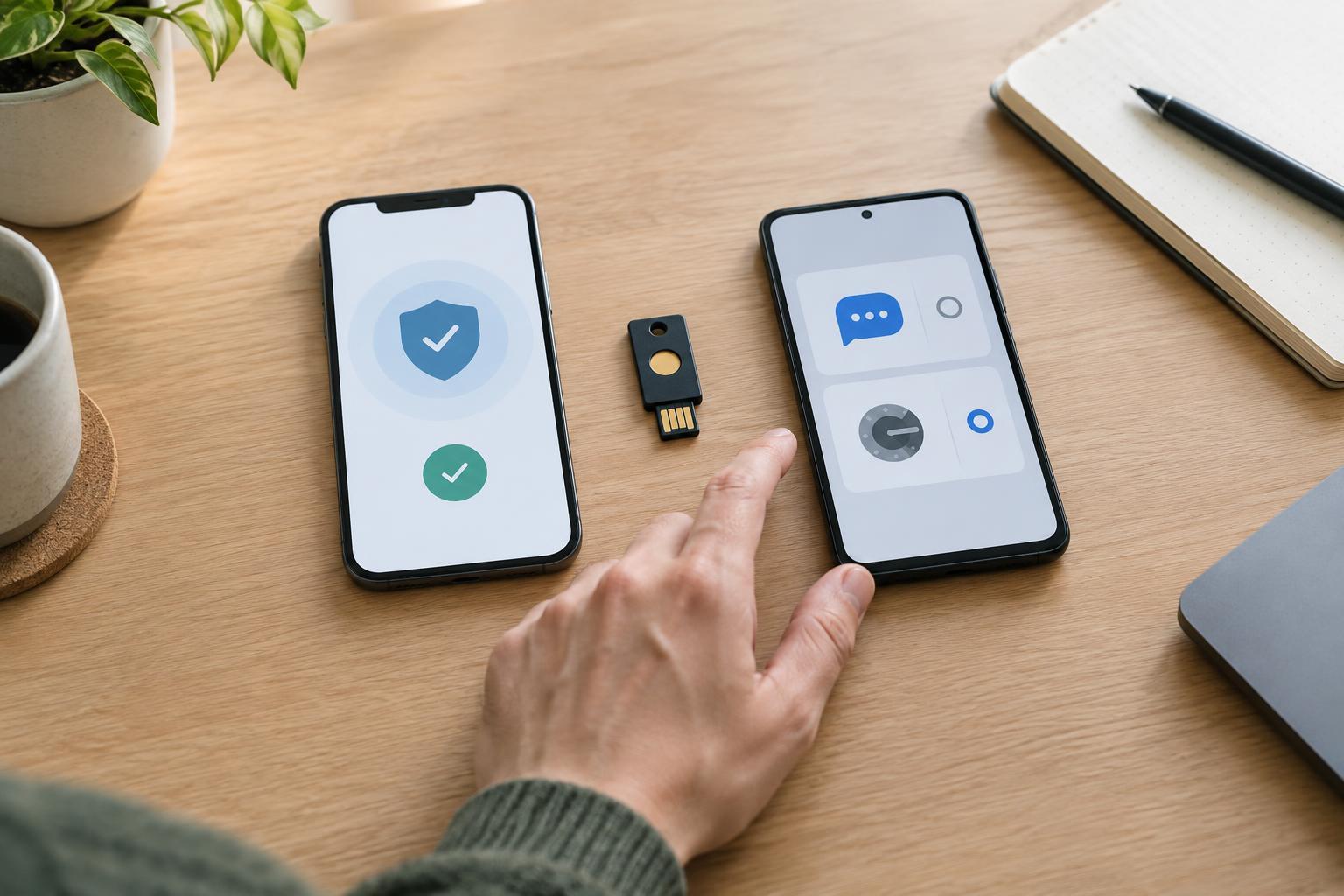
What a second factor adds
A password is something you know. Two-factor authentication, or 2FA, asks for another kind of proof when you sign in, often something you have, such as a phone or security key. If someone learns your password, that extra step can make it harder for them to access your account. The protection depends on the method: a code you can type into a convincing fake website behaves differently from a key that checks which website is requesting a sign-in.
Privacy is a separate consideration. Enabling 2FA may require you to share a phone number, rely on an app provider or keep a backup credential with a cloud service. The right choice is not simply the method with the fewest steps. It is the method whose security, data-sharing and recovery costs you understand and can manage.
SMS codes: convenient, but tied to your number
Text-message codes are familiar and work without installing a dedicated app. They can be a useful improvement over a password alone, especially when an account offers no other option. But receiving a code requires a working phone number, and the service must store that number. This can link the account to an identifier you may also use elsewhere. Your mobile carrier is involved in delivering the message, and delivery may be unreliable while traveling or without cellular service.
SMS does not prove that you are entering the code on the genuine website. A phishing page can ask for your password and then immediately ask for the code. Phone-number takeover is another concern: if an attacker gains control of your number, they may receive future codes. Consider SMS a fallback when stronger options are unavailable, rather than a reason to stop checking sign-in pages carefully.
Authenticator apps: fewer shared identifiers, more device planning
Many authenticator apps generate time-limited codes on your device after you scan a setup code. This common approach is called TOTP, for time-based one-time password. It usually does not require giving the account provider your phone number, and the app can generate codes without a mobile connection. As with SMS, however, a code can be typed into a phishing page, so TOTP is not phishing-resistant.
How private the setup remains depends partly on the app you choose. Some apps store codes only on one device; others offer encrypted backups or sync across devices. Sync may make recovery easier, but it introduces another account or provider into the process. Before replacing your phone, check how your app transfers or backs up its entries. If you save setup codes yourself, protect them: anyone who obtains one may be able to generate the same sign-in codes.
Push prompts and security keys: different kinds of approval
Push-based 2FA sends a request to an app so you can approve a sign-in. It avoids copying a code, but repeated unexpected prompts can become easy to dismiss or accidentally approve. A prompt that shows a number to match with the sign-in screen gives you more context than a simple yes-or-no button. The app and its notification service may also handle information needed to deliver the request, so review an account provider’s options if minimizing that relationship matters to you.
A physical security key uses a supported sign-in standard to respond to the legitimate site, rather than giving you a code to type. This makes it more resistant to lookalike phishing sites. It generally does not require sharing a phone number, but you must keep track of the key and confirm that your important accounts support it. Some services also support passkeys stored on a device or synced through a provider. A passkey may replace a password rather than act as a second factor; its recovery and data-sharing arrangements depend on where it is stored.
Choose a method you can recover
Start with the accounts whose loss would affect other accounts, particularly your primary email and password manager. Where available, a security key can be a strong choice for those accounts; an authenticator app is a practical alternative for many others. You can use different methods across services. Check which method an account will use as a fallback, because a stronger primary method offers less protection if an attacker can easily switch to a weaker recovery route.
Recovery deserves as much attention as daily sign-in. Save one-time recovery codes in a secure place separate from the device used for 2FA, and consider registering a spare security key where supported. Test that you know how to find your backup before changing devices. Finally, treat any unrequested code or approval prompt as a warning: do not share the code or approve the request. Good 2FA reduces one important risk, but it still works best alongside unique passwords and careful attention to where you sign in.


