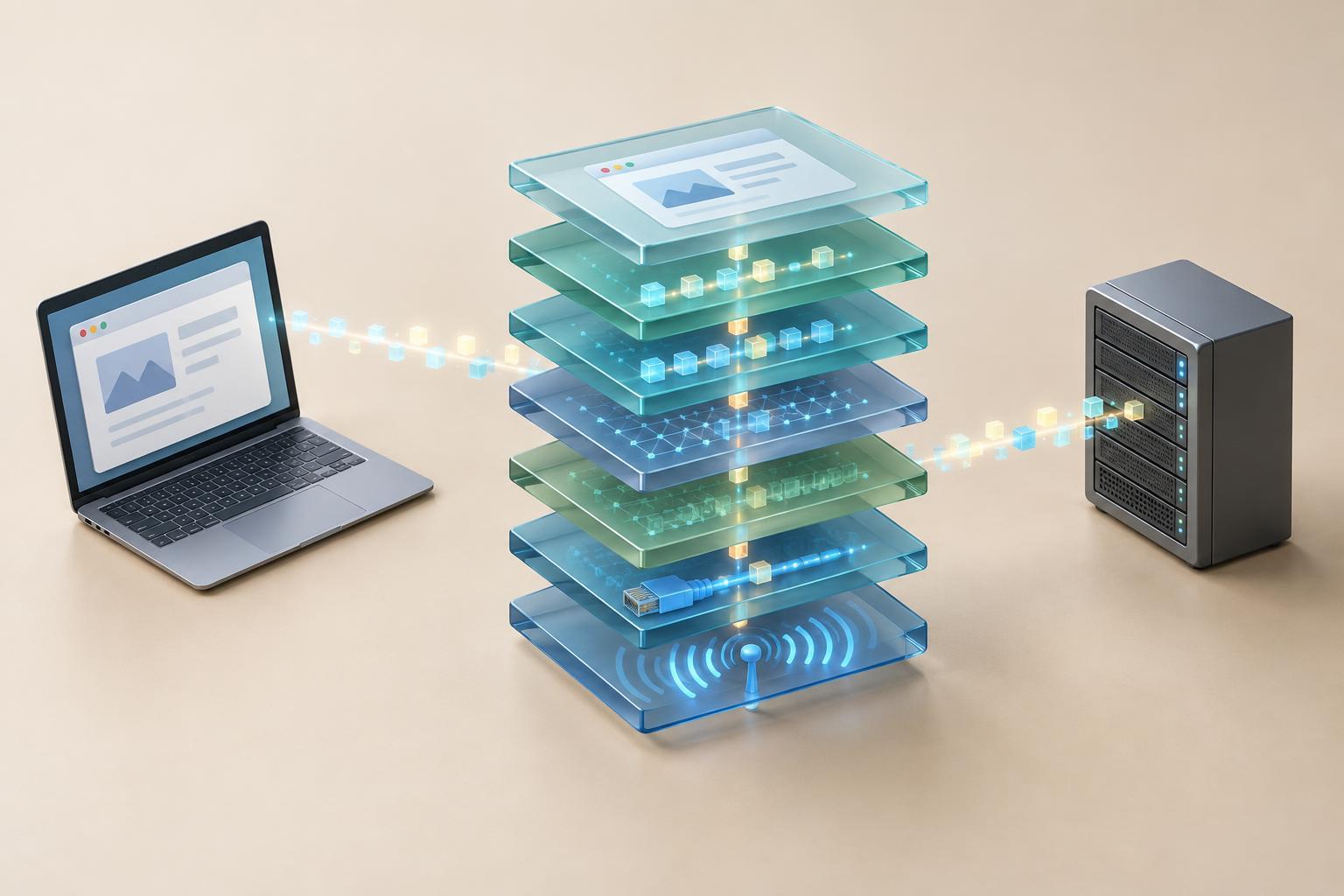
Why divide a network into layers?
A network connection depends on several jobs working together. A device needs a way to send signals, a way to reach another network, a way to manage communication between programs, and rules for the information those programs exchange. Layer models separate these jobs so you can describe a connection without explaining every detail at once.
The OSI model has seven layers and is useful as a vocabulary for learning and troubleshooting. The TCP/IP model is often shown with four layers and describes the structure of the internet protocol suite more closely. Neither model is a diagram of every step inside a device. Treat them as maps: they help you locate a problem or explain a protocol, but real implementations do not always fit neatly into one box.
The seven OSI layers, from signals to software
At the bottom, the physical layer concerns the transmission of bits as electrical, optical, or radio signals. The data link layer handles communication across a local link; Ethernet and Wi-Fi frames and hardware addresses belong in this discussion. The network layer addresses delivery between networks, with IP addresses and routing as familiar examples.
The transport layer connects communication between applications on hosts. TCP provides an ordered, reliable byte stream, while UDP sends datagrams without providing those guarantees itself. The session layer describes the management of conversations between applications. The presentation layer concerns how data is represented, such as encoding or encryption. Finally, the application layer covers the protocols an application uses to exchange meaningful requests and responses, such as HTTP and DNS.
The upper three OSI layers are useful distinctions, but modern protocols may combine their work. For instance, encryption with TLS is sometimes discussed in presentation-layer terms, yet it is not a separate, universal step that every connection passes through. The point of the OSI model is to ask what kind of job is being done, not to force every protocol into exactly one layer.
How the TCP/IP model maps to OSI
The four-layer TCP/IP view groups the same broad jobs differently. Its link layer combines work associated with the OSI physical and data link layers. Its internet layer corresponds roughly to the OSI network layer and includes IP. Its transport layer aligns with the OSI transport layer and includes TCP and UDP. Its application layer groups the work of the OSI session, presentation, and application layers.
This mapping explains why two people can describe the same connection using different layer numbers. In an OSI discussion, IP is at layer 3 and TCP is at layer 4. In a four-layer TCP/IP discussion, IP belongs to the internet layer and TCP to the transport layer. Name the model when a layer number might be ambiguous. More importantly, name the protocol and its job: saying “the device cannot reach the destination IP address” is usually clearer than saying only “there is a layer 3 issue.”
Follow a web request through the layers
Imagine opening a website over HTTPS using TCP. The browser may first need a DNS answer to learn an IP address for the site, unless it already has one available. It then uses that address to contact the server. HTTP supplies the web request and response; TLS protects the exchange; TCP carries the connection as an ordered stream; and IP helps move packets toward their destination. On each local hop, a link technology such as Ethernet or Wi-Fi carries the data in frames.
As data travels outward from the application, each lower layer adds information needed for its own job. This is called encapsulation. A link-layer frame might carry an IP packet, which carries a TCP segment, which carries application data. The receiving side processes that information in the other direction. Routers along the path make forwarding decisions using network-layer information and place packets into new link-layer frames for the next hop. They do not need to understand the web page to forward its traffic.
This is one example, not a template for every web visit. A connection using HTTP/3, for instance, uses QUIC over UDP rather than HTTP over TCP. The layer model still helps: identify the application exchange, the transport being used, the IP path, and the local links.
Use the layers to narrow down a fault
Start close to the device and move upward. If a cable is unplugged or a Wi-Fi connection has dropped, investigate the physical and link layers first. If the local connection works but a remote address cannot be reached, examine IP settings, the default gateway, and the path to the destination. If the destination is reachable but a particular service does not respond, check its port, transport protocol, and whether the service is accepting connections.
Finally, consider application behavior. A name-resolution problem can make a site appear unavailable even when its IP path works. An HTTP error can come from an application that is reachable but cannot fulfill the request. A certificate warning concerns trust in a protected connection, not necessarily a broken physical link. These checks are clues rather than rigid rules: one symptom can have several causes. Layered thinking helps you ask a smaller, more useful question at each step.


