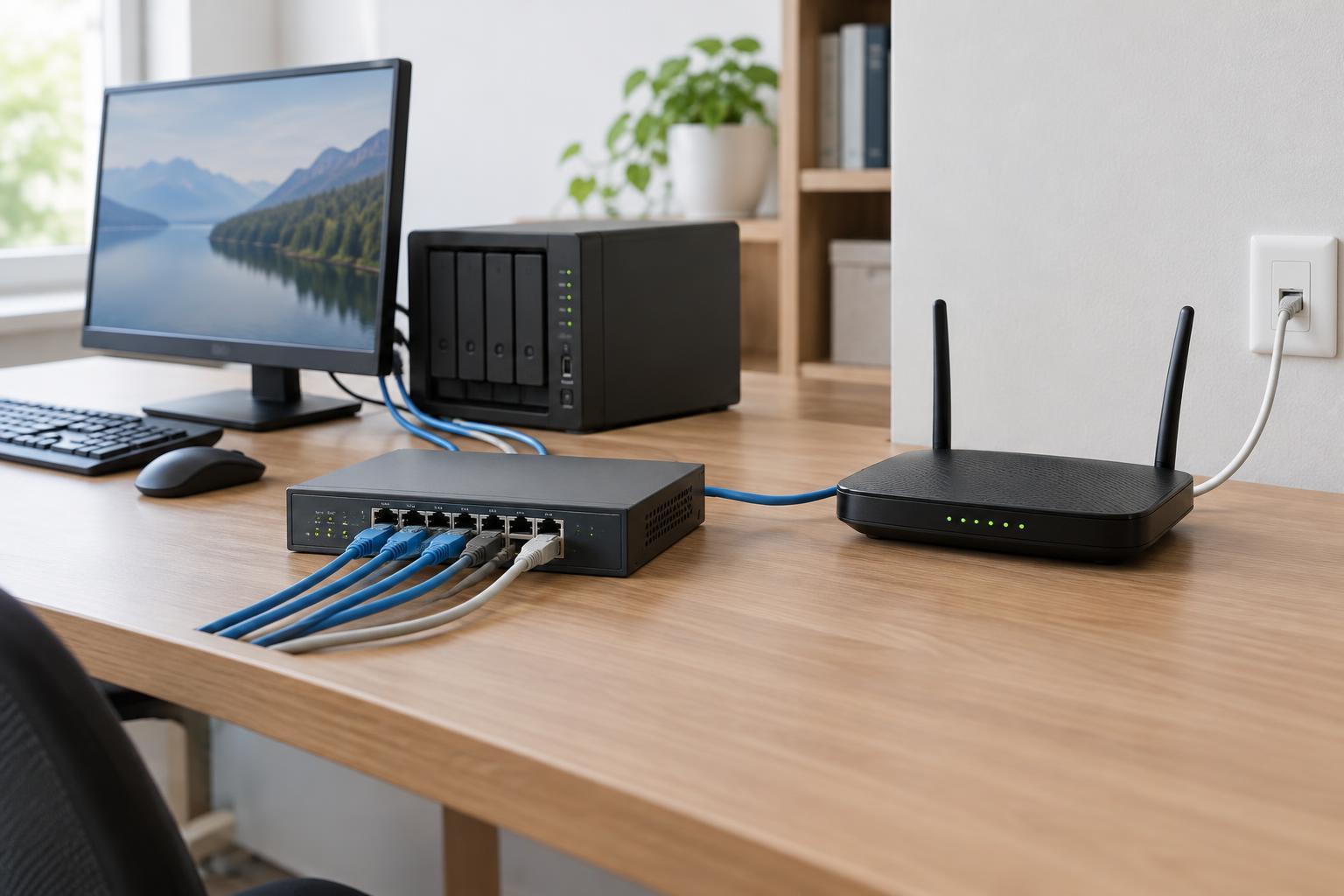
The basic difference
A switch connects devices on a local network so they can exchange data. A router connects different networks and forwards data between them. In a small office, a switch might connect desktop computers, a printer and a server. A router might connect that office network to the internet.
The distinction is about the job a device performs, not necessarily the shape of the box. A home Wi-Fi unit often combines a router, an Ethernet switch and a wireless access point. In a larger network, those jobs may be handled by separate equipment. Knowing the roles makes it easier to understand a network even when several roles share one device.
How a switch moves traffic locally
An Ethernet switch links devices through its ports. It learns which MAC addresses are reachable through which ports by observing traffic. When it receives a frame for an address it has learned, it can forward that frame toward the appropriate port instead of sending it out of every port. If it does not yet know the destination, it may send the frame to other ports in the same local network segment.
Imagine a laptop sending a document to a network printer. If both are on the same local network, the laptop can send frames through the switch to reach the printer. The router generally does not need to carry that exchange. A switch therefore provides the connections that let nearby devices communicate, but a conventional switch does not decide how to reach a different IP network.
Managed switches can also divide ports into virtual LANs, or VLANs. A VLAN separates groups of local traffic even when the devices plug into the same physical switch. For example, an office might place staff computers and guest devices in different VLANs. Moving traffic between those VLANs requires a routing function, whether it runs on a separate router or on a switch that supports routing.
How a router connects networks
A router looks at destination IP addresses and uses a routing table to choose where to forward packets. A packet addressed to another local device may never reach the router. A packet addressed to a service outside the local network usually goes to a default gateway: the router address that devices use when they do not have a more specific route.
Consider a laptop opening a website. The laptop first determines that the destination is outside its own IP network, then sends the packet toward its default gateway. The router forwards it toward another network, and other routers may carry it farther. The response travels back along a route to the local network, where it can be delivered to the laptop.
Home routers commonly perform additional jobs, such as assigning local IP addresses through DHCP, filtering some inbound traffic with a firewall, and using network address translation (NAT) to let multiple devices share a public IPv4 address. These features are common in home equipment, but they are not what defines routing. A router’s core task is forwarding packets between networks.
A simple network example
Picture a small team with six wired computers, one printer and a broadband connection. An eight-port switch could provide the local Ethernet connections, with one port linking to a router. When a computer prints, its traffic can stay on the local network through the switch. When someone visits a website, traffic passes through the switch to the router, which forwards it toward the internet connection.
Add a guest Wi-Fi network and the design needs another decision: should guests be able to reach the printer? If guests and staff occupy separate IP networks, a router or another device performing routing determines whether traffic can pass between them. Network separation alone does not set the access policy; that policy must also be configured and checked.
How to tell which device to check
When only one wired device cannot communicate, start with its cable, switch port and network settings. When several devices can reach one another but none can reach outside sites, check their default gateway, the router and the upstream connection. These are starting points, not definitive diagnoses: a DNS problem, for example, can make websites appear unavailable even when packet forwarding works.
A useful mental model is that the switch helps devices communicate within a local network, while the router provides a path between networks. Real equipment can combine both functions, and advanced switches may perform routing too. Focus on where the traffic is going and which function it needs; the label printed on the device tells only part of the story.


