What private browsing is designed to do
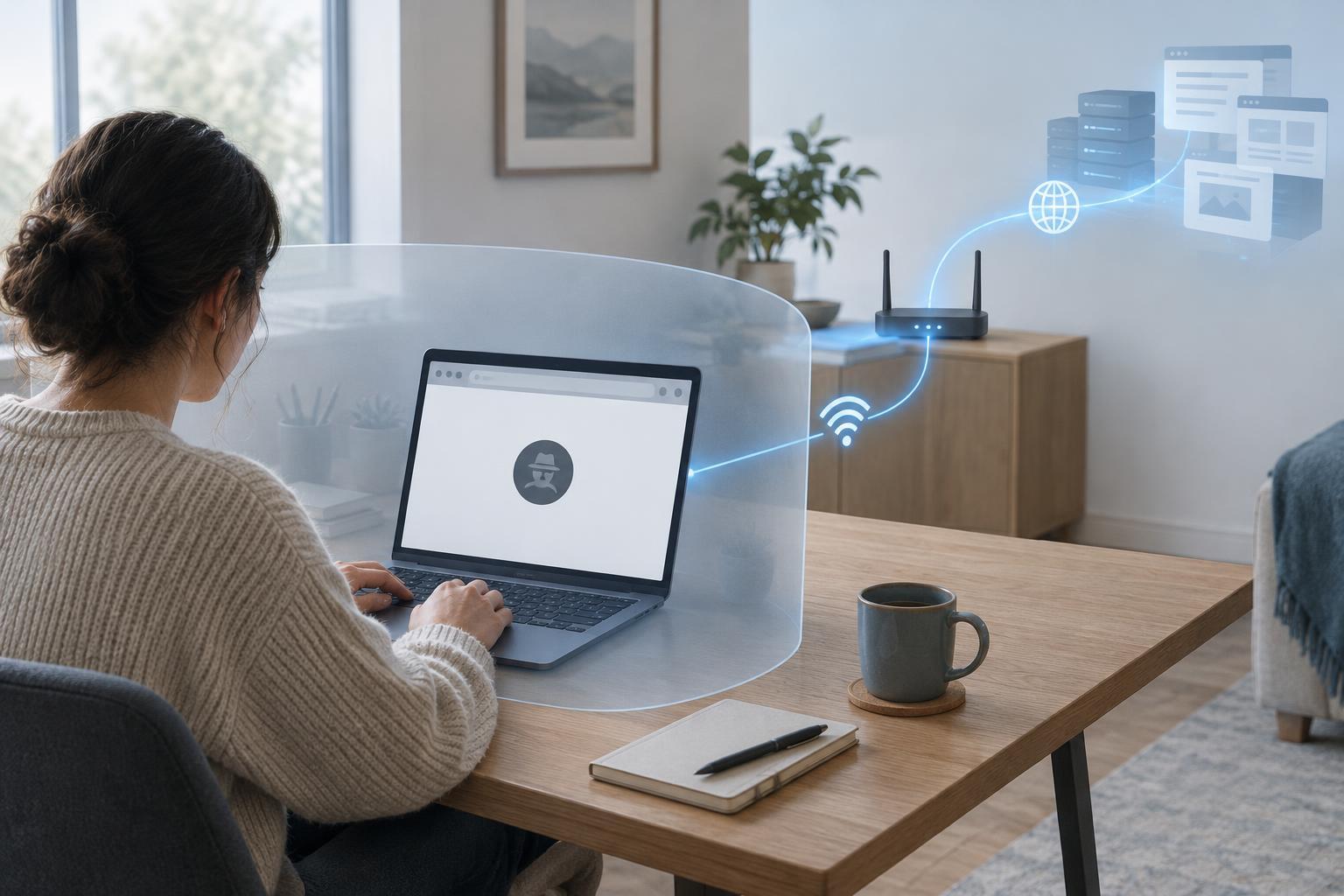
Private browsing, sometimes called incognito mode, is a browser setting for limiting information retained on your device after a browsing session. It is useful when you share a computer, want to sign in to a second account temporarily, or do not want a search to appear in the browser’s ordinary history. It is not a switch that makes your activity invisible to everyone else.
While the private window is open, the browser still needs temporary data to run websites. Cookies can keep you signed in, and pages you visit can appear in that window’s back-button history. After you close all private windows in the session, the browser generally discards that session’s history, cookies and site data rather than adding them to your regular browsing profile. The exact behavior depends on the browser and its settings.
What can remain on your device
Private mode does not erase everything you do. A file you download normally stays in your downloads folder, even if its entry disappears from the browser’s download history. A bookmark you create generally remains available after the private session ends. Documents you open, screenshots you take and information you copy into another app can also remain outside the browser.
Other software on the device may keep records independently of the browser. For example, security software, device-management tools or operating-system features may log activity. If someone else controls the device, private mode should not be treated as a way to hide activity from them. Before using a shared computer, consider whether it is trustworthy, and sign out of accounts when you finish.
What websites and accounts can still see
A website you visit can still receive your requests and the information needed to respond to them. That may include your IP address, browser characteristics and actions you take on the site. If you sign in, the service can associate activity with your account just as it can in a regular window. Private mode does not prevent a site from recording a purchase, a submitted form or a message you send.
Closing the private session usually removes its cookies from your browser, which can make it harder for sites to recognize that same session later through those cookies. It does not guarantee that a site cannot link visits using an account, an IP address or other signals. Browser extensions may also affect privacy if they are allowed to run in private windows; check their permissions rather than assuming they are disabled.
What the network can still observe
Private browsing does not change the route your traffic takes. Your internet provider, a workplace or school network, and other network operators may be able to observe that your device connects to particular services. What they can see depends on the network setup, the website and the protections in use. HTTPS normally protects the contents of a connection in transit, but it does not make the connection itself disappear.
Private mode also does not replace a VPN. A VPN can change which network operator sees your traffic and may hide your home IP address from websites, but it shifts some visibility to the VPN provider and does not make you anonymous. Neither tool prevents a service from knowing what you do after you sign in. Think of private browsing as a local browser-history control, not a network-privacy tool.
Choose the tool that matches your goal
If your goal is to keep a browsing session separate from your usual cookies and history, open a private window and close every private window when finished. If your goal is to avoid leaving files on a shared device, check the downloads folder and any apps you used; closing the window alone is not enough. If your goal is to protect account activity, review the account’s own history and privacy settings.
For everyday use, keep your browser updated, use HTTPS sites where available and pay attention to which accounts you sign in to. On an untrusted or managed device, assume the device or network may retain information beyond the browser’s control. The simplest way to remember the distinction is this: private mode mainly limits what your browser saves locally after a session. It does not hide the session from the sites you visit or make you anonymous on the internet.


