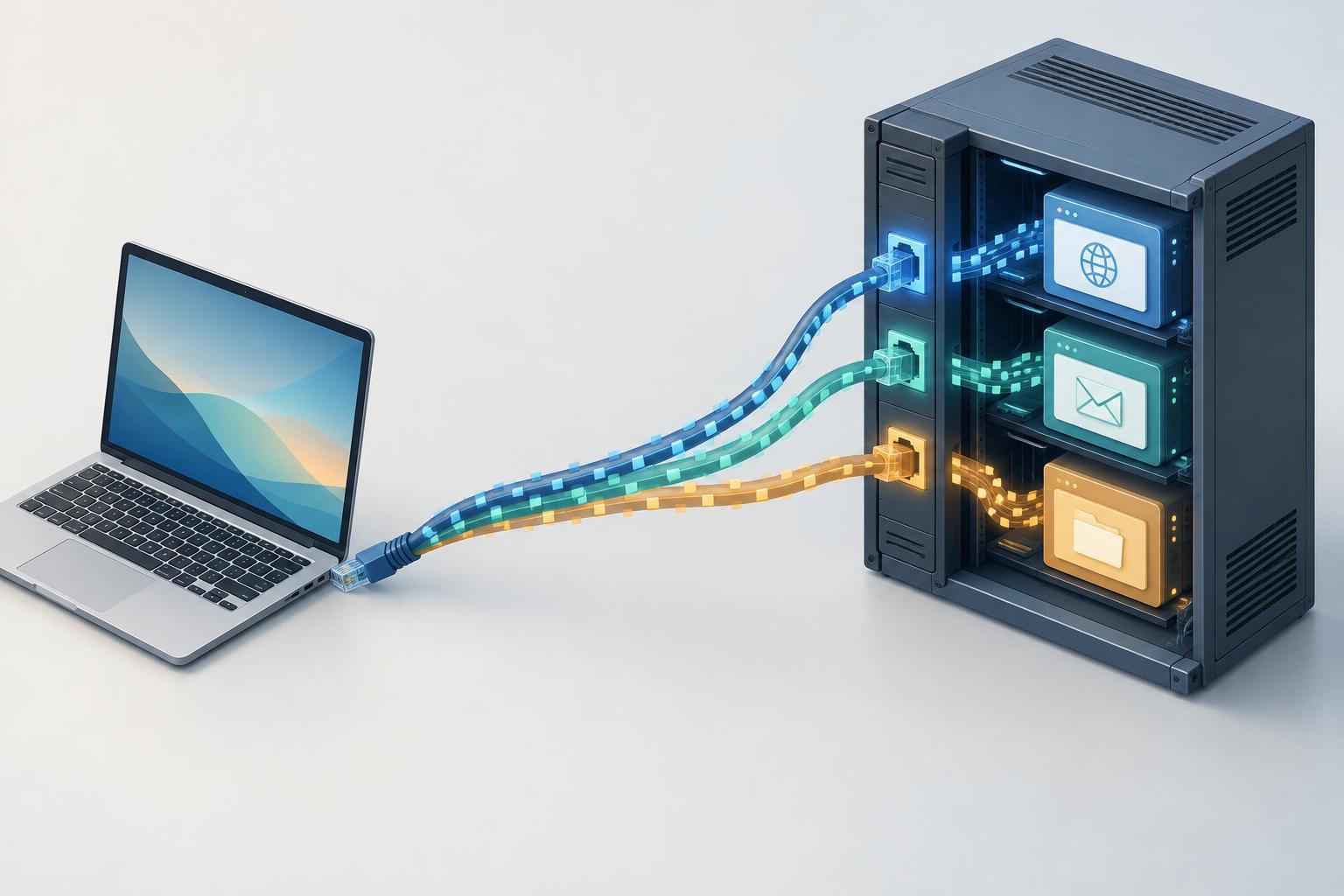
An IP address identifies a destination, not an application
Imagine a laptop opening a website while also receiving a video call. Both activities use the laptop’s network connection, yet their incoming data must reach different programs. An IP address helps deliver packets to a device or network interface. Once they arrive, the operating system needs more information to decide which application should receive them. Transport protocols and port numbers provide that next layer of identification.
A port is a number in a transport-protocol header. The destination port indicates where traffic is intended to go on the receiving device; the source port helps identify where a response should go. TCP and UDP each have their own port space, so TCP port 53 and UDP port 53 are distinct endpoints. Port numbers range from 0 to 65535. Some are commonly associated with services—for example, HTTPS commonly uses TCP port 443—but an application can use a different port when both sides are configured to do so.
What a socket represents
A socket is an operating-system interface an application uses to send or receive network data. A server typically creates a socket, binds it to a local address and port, and waits for traffic. Binding to a specific local IP address limits which of the device’s addresses the socket uses. Binding to a wildcard address generally allows it to receive traffic addressed to any suitable local interface, subject to the operating system’s rules.
For TCP, a server listens on a socket and accepts incoming connections. Each accepted connection gets its own socket, while the listening socket remains available for new connections. A TCP connection can be identified by the source IP address, source port, destination IP address, destination port and protocol. This combination lets a web server handle many clients on the same listening port without mixing their data.
UDP works differently because it does not establish a connection before sending data. An application can receive datagrams on a UDP socket bound to a local port and inspect each datagram’s sender. Applications may also associate a UDP socket with a particular peer, but that does not turn UDP into TCP: delivery, ordering and retransmission are not provided by UDP itself.
Follow a web request from client to server
Suppose a browser connects to a web server at 203.0.113.10 on TCP port 443. The browser’s operating system chooses an available local source port—say, 52000—and sends TCP traffic from the laptop’s IP address and that port toward 203.0.113.10:443. The server’s operating system sees that a process is listening for TCP connections on port 443 and passes the new connection to it. The server replies to the client IP address and source port carried in the incoming traffic.
The example port 52000 is not a special browser port. Client applications commonly use temporary, or ephemeral, source ports assigned by the operating system. If the browser opens several connections to the same server, distinct source ports can help keep them separate. When the connection ends, the temporary port may become available for reuse, although the exact timing depends on the operating system and connection state.
On many home or small-office networks, the laptop has a private IP address and a router performs network address translation, or NAT. The router may change the source IP address and port visible to the server, then keep a mapping so replies return to the correct laptop and connection. NAT adds a forwarding step; it does not change the basic role of ports and sockets on either endpoint.
Listening ports, firewalls and common misconceptions
A service cannot receive a new connection merely because its usual port number exists. The application must be running and listening on an appropriate address and port, and network rules must permit traffic to reach it. A firewall can block traffic before it reaches the application. Conversely, an open firewall rule does not create a service if nothing is listening.
A port number also does not prove what application is behind it. Port 443 is commonly used for HTTPS, but software can be configured to serve something else there, or HTTPS can run on another port. Nor does a port provide encryption: security properties depend on the protocols and configuration in use. When troubleshooting, check the full path: the destination address, transport protocol, port, listening application, firewall rules and, where relevant, router forwarding.
A compact mental model
Think of the IP address as helping traffic reach a device, the transport protocol and destination port as helping the operating system find a receiving endpoint, and the socket as the interface the application uses at that endpoint. For a TCP connection, the source and destination addresses and ports together distinguish one conversation from another. For UDP, those same fields help applications interpret individual datagrams even though no TCP-style connection exists.
This model is useful whenever a service seems reachable from one place but not another. Instead of asking only whether a device is online, ask whether traffic can reach the intended IP address, whether it uses TCP or UDP, whether it targets the right port, and whether an application is ready to receive it.


