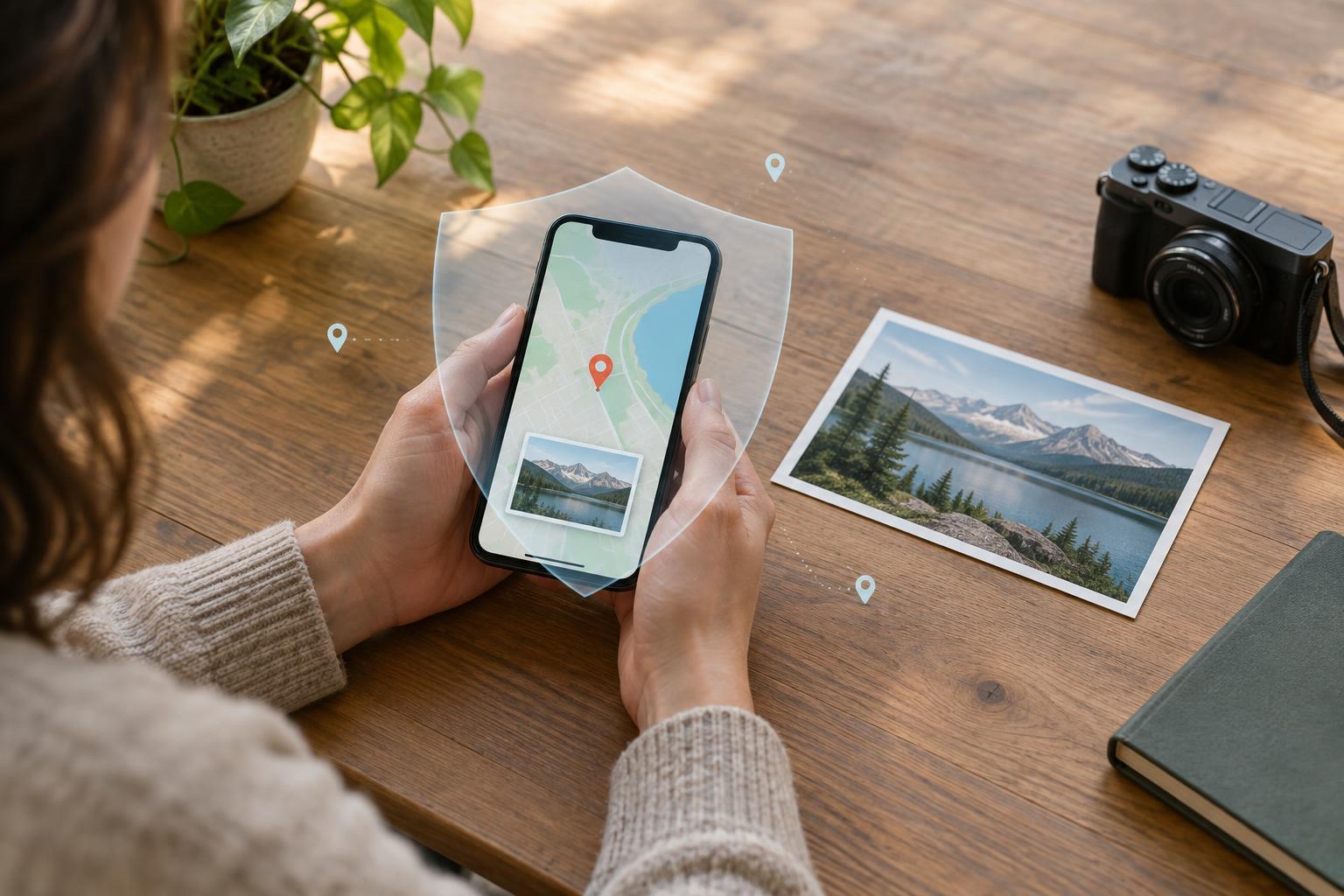
Location data has more than one path
A phone can estimate its location using satellite signals, nearby Wi-Fi networks, cellular connections and other device sensors. People often call all of this “GPS,” but turning off one source does not necessarily stop every form of location estimation. An app may also infer a place from an IP address, a delivery address or a location you type into a search box.
Location information can be useful: maps need a starting point, a weather app can show a local forecast, and a camera can organize photos by place. The privacy question is not simply whether to use these features. It is which apps need your location, how accurately they need it, when they may access it and whether the resulting data is saved or shared.
Give apps only the access they need
Open your device’s privacy or location settings and review the apps listed there. A navigation app may need location while you are following a route; a restaurant app may only need it when you search nearby. If an app has no clear location-related purpose, consider denying access. Permission names vary by device, but common choices include never, ask each time, while using the app and always.
Pay particular attention to background access. “Always” can allow an app to receive location updates when you are not actively using it, although device settings and system limits may affect how often that happens. Choose it only when a feature you value depends on it, such as a location-based reminder. Where available, approximate location can be enough for local news or weather, while turn-by-turn directions usually benefit from precise location.
Changing a permission controls future access through that permission; it may not erase location information an app has already collected. If you want to reduce a stored history, look separately in the app’s account, activity and deletion settings. Recheck permissions after installing new apps or changing how you use old ones.
Understand what a geotagged photo contains
A photo file can carry metadata: information about the image in addition to its visible pixels. Depending on camera settings, that metadata may include coordinates showing where the picture was taken. These location details are often called geotags. They can help you find vacation photos later, but they can also reveal a home, workplace or regularly visited place if the original file is shared.
Before sending a photo, check whether your phone or photo app offers a location-sharing option. You may be able to exclude location when sharing a copy, remove it from a selected image, or disable location tagging for future camera shots. The exact controls depend on the device and app. If a location is sensitive, inspect the file you are actually about to send rather than assuming that a setting applied to every copy.
Some messaging and social platforms remove location metadata from displayed or downloaded images, while others may preserve it in certain sharing paths. Do not rely on a platform’s behavior without checking the specific method you use. A direct file transfer, shared album or cloud download may behave differently from posting a compressed image.
Look beyond the metadata
Removing coordinates does not make a picture location-neutral. Street signs, school names, distinctive buildings, reflections and backgrounds can identify a place. A series of otherwise ordinary posts can also suggest a routine. Before sharing publicly, review both the image and any caption, map sticker or tagged place.
Cloud photo libraries introduce another distinction: removing a geotag from one exported image does not necessarily change the original in your library or copies already shared. Check album-sharing permissions and the people who can view a link. If you delete or edit location information, confirm which version was changed before assuming older copies have been updated.
Build a small, repeatable privacy routine
Start with the apps you use most. Set each location permission to the narrowest option that still supports the feature you want, then test that feature. Next, review camera location tagging and practice sharing one photo without its location details. Finally, inspect shared albums and account-based location histories separately; device permissions and stored account data are different controls.
There is no single switch that prevents every location clue from leaving a device. A useful routine is to pause before granting persistent access or sharing an original photo and ask, “Does this person or service need to know where I was?” That question keeps location privacy manageable while leaving room for the tools that genuinely help you.


