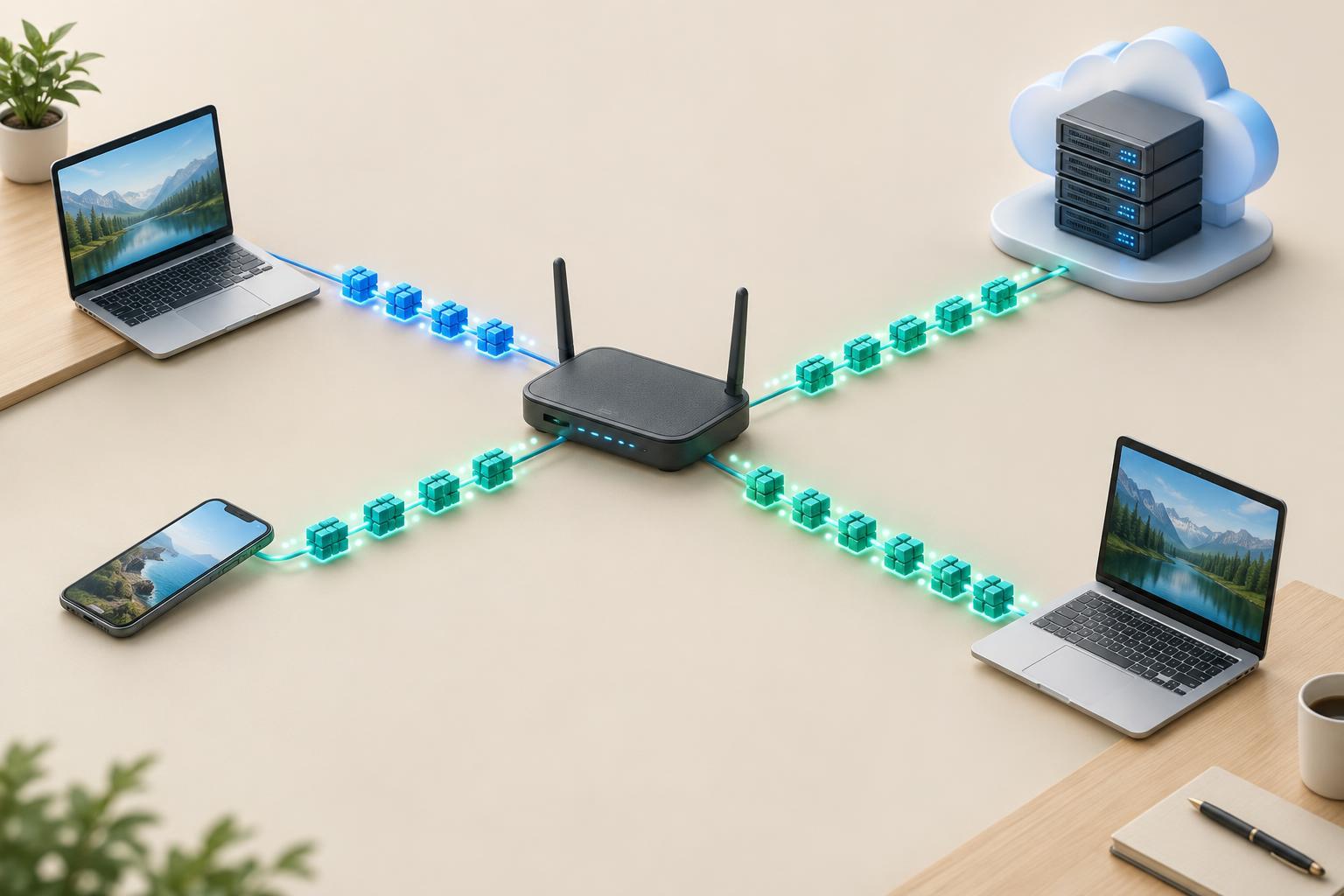
What an IP address does
An IP address helps networks deliver packets to a destination. A device may have several addresses, especially if it has more than one network interface or uses both IPv4 and IPv6. An address is not a permanent name for a person or device: it can change when a device joins another network, and multiple devices can share one public IPv4 address through a router.
IPv4 and IPv6 are two versions of the Internet Protocol. They serve the same broad purpose, but their address formats and some operational details differ. IPv6 is not simply a longer spelling of an IPv4 address. Networks that support both versions generally handle them as separate paths for sending packets.
How to read IPv4 and IPv6 addresses
An IPv4 address has 32 bits and is usually written as four decimal numbers separated by dots, such as 192.0.2.10. Each number represents eight bits and ranges from 0 to 255. A suffix such as /24 states how many leading bits identify the network prefix. In 192.0.2.10/24, the first 24 bits form the prefix, leaving the remaining bits to distinguish addresses within that prefix.
An IPv6 address has 128 bits. Its usual written form has eight groups of hexadecimal digits separated by colons, for example 2001:0db8:0000:0000:0000:0000:0000:0010. Each group represents 16 bits. Leading zeroes within a group can be omitted, and one consecutive run of all-zero groups can be shortened to ::. The example can therefore be written as 2001:db8::10. The :: shorthand can appear only once in an address, so the number of omitted groups remains clear.
IPv6 also uses prefix-length notation. In 2001:db8::10/64, the first 64 bits are the network prefix. The IPv4 and IPv6 examples here use ranges reserved for documentation; they are useful for learning without implying that the addresses belong to a real public host. When reading either format, keep the address and its prefix length together: the address identifies an interface, while the prefix helps describe which addresses belong to a network.
Address space and where addresses are used
IPv4’s 32-bit format allows roughly 4.3 billion possible addresses before accounting for addresses set aside for special purposes. IPv6’s 128-bit format provides a vastly larger space. That difference is a major reason IPv6 was developed, but it does not mean every possible IPv6 address is intended for an individual device or that every IPv6 address is reachable from the public internet.
Addresses have different scopes and uses. An IPv4 address such as 192.168.1.20 may be used inside a private network, while a router uses a public address for traffic leaving that network. With IPv6, a device often has a link-local address, used for communication on its local network segment, and may also have an address from a prefix used for wider connectivity. Prefix allocation and routing determine where packets can travel; the address format alone does not.
Configuration, DNS and NAT
Devices can receive IPv4 settings through DHCP or be configured manually. IPv6 supports additional approaches, including Stateless Address Autoconfiguration (SLAAC), in which a device uses information advertised by a router to form an address. DHCPv6 may also be used, depending on the network design. In either version, an address by itself is not enough for useful connectivity: the device also needs appropriate routing and, when using names, a way to reach a DNS resolver.
DNS can publish an A record for an IPv4 address and an AAAA record for an IPv6 address. A service may publish one type, both types or neither. On a network that supports both protocols, known as dual stack, a client can use an available address and corresponding network path. Publishing an AAAA record before the service is reachable over IPv6 can cause connection problems for some clients.
Network address translation, or NAT, is common in IPv4 networks because it lets multiple private addresses use a smaller number of public addresses. IPv6’s larger address space generally reduces the need for NAT as an address-conservation tool. NAT is not a substitute for a firewall: in either protocol, network operators should decide which incoming connections to allow and configure filtering accordingly.
Practical differences to remember
When troubleshooting, first check which protocol a client is trying to use. An IPv4 connection working does not prove that IPv6 routing, DNS or firewall rules are correct, and the reverse is also true. Record the full address and prefix, inspect the default route, and test name resolution separately from connectivity to an address. These checks help narrow a failure to addressing, routing, DNS or service configuration.
Neither version guarantees privacy or security on its own. An IPv6 device may use temporary addresses for some outgoing connections, but that does not make its activity anonymous. The useful mental model is straightforward: IPv4 and IPv6 both deliver packets using addresses and routes; they differ in address size, notation and common deployment practices. Understanding those differences makes it easier to read a network diagram and diagnose what is actually connected.


