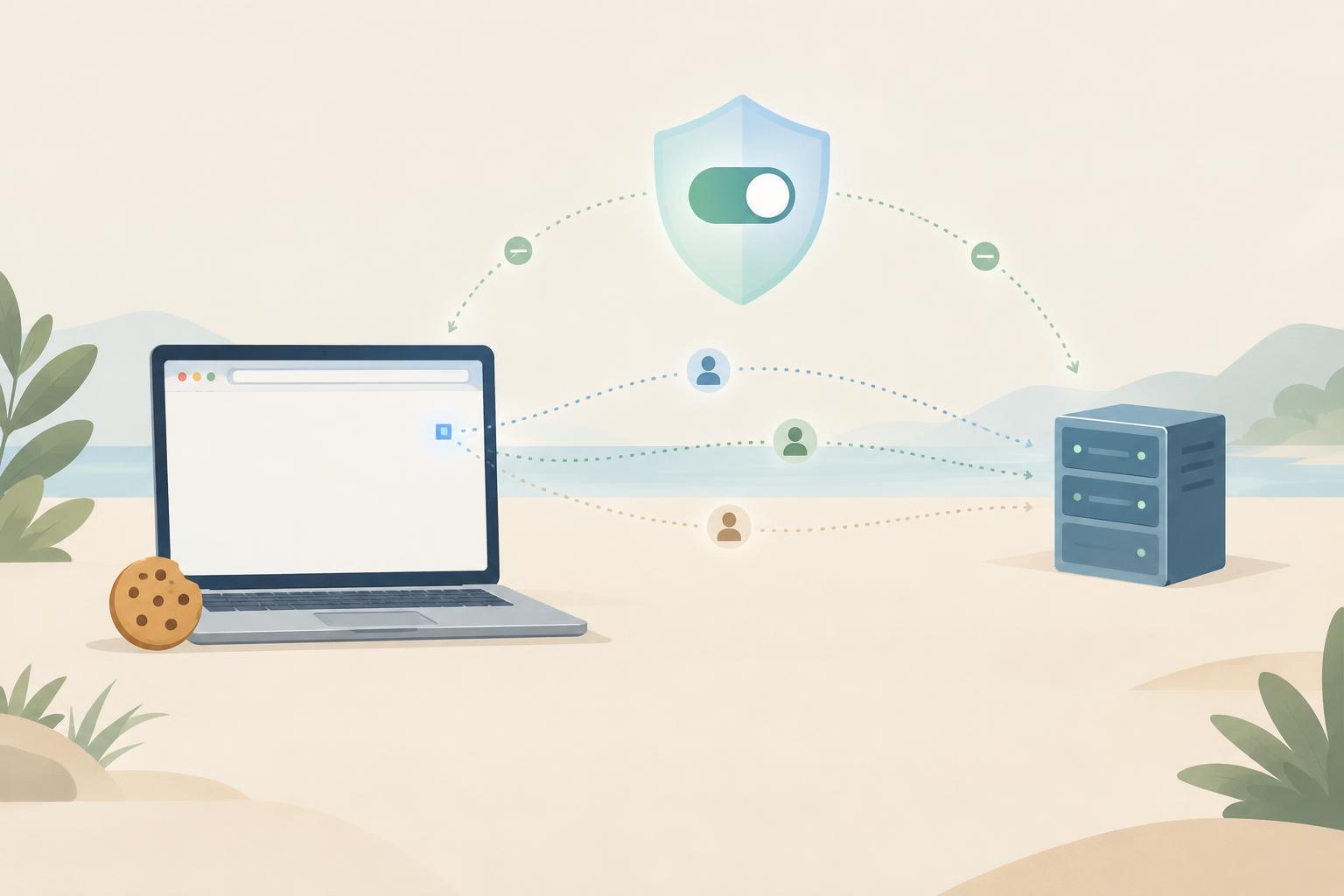
A website visit is a series of requests
When you open a webpage, your browser requests more than the page itself. It may also request images, fonts, scripts, and other files. Each request gives the receiving server information needed to respond, such as the requested address and some details about the browser. The server also sees the network address from which the request arrives. These requests create opportunities to measure a visit, even before cookies enter the picture.
A site might use that information to count page views, keep a shopping basket working, or investigate errors. It might also use services supplied by other companies for analytics or advertising. Understanding who receives each request matters: a tool loaded from another company’s server can receive information about the visit as part of serving that tool.
What a cookie does
A cookie is a small value that a website asks a browser to store. On later requests to the relevant site, the browser may send that value back. This lets the site connect requests that would otherwise look separate. For example, a cookie can help keep someone signed in or remember a language preference. It can also hold an identifier that an analytics system uses to recognize a returning browser.
The cookie usually does not contain a person’s full browsing history. Instead, it may contain an identifier that a server can associate with records it keeps. That distinction is important: a short, unreadable-looking value can still support detailed tracking if it consistently points to stored activity.
A first-party cookie is associated with the site you are visiting. A third-party cookie is associated with another domain involved in the page. Browsers often restrict third-party cookies, but first-party cookies can still be used for measurement. Whether a cookie is first-party or third-party describes how the browser handles it; it does not, by itself, tell you whether its purpose is necessary, optional, or privacy-friendly.
What a tracking pixel does
A tracking pixel is commonly a tiny image, or a similar resource, that a page asks a browser to load. The visible image is not the point. The request to load it tells the receiving server that the browser reached a particular page or performed an action. The request may include a page address, a campaign identifier, or other values chosen by the site. If a relevant cookie is available, the browser may send that too.
Imagine a small shop placing a measurement pixel on its order-confirmation page. When the page loads, the pixel’s server receives a request indicating that a confirmation page was reached. If the request includes an order value or an identifier, the receiving system may be able to connect that event to an earlier visit. The exact information shared depends on how the shop configured the pixel and what the browser permits.
Pixels are one way to send an event; scripts and direct server-to-server messages can also report activity. Blocking tiny images alone therefore does not necessarily stop a site from measuring visits. Likewise, a pixel can report that a page was loaded without proving that a person read it or intended every action attributed to the visit.
How separate visits get connected
Tracking becomes more useful when a system can join events over time. A persistent cookie may link two visits from the same browser. A URL parameter in a clicked link may identify the campaign that brought someone to a page. If a visitor signs in, a site may also connect activity to an account. These methods differ in reliability and scope: clearing a cookie can break one connection, while signing back into an account may restore another.
Information can also be shared between services. For example, a site may send an advertising service an event indicating that a purchase occurred. What that service can infer depends on the data sent, identifiers available to it, and its own systems. A site’s use of a first-party cookie does not necessarily mean all information stays with that site.
Practical ways to understand and limit tracking
For visitors, a site’s privacy and cookie controls are a starting point for understanding optional measurement and advertising tools. Browser settings can limit cookies, clear stored data, and restrict some cross-site tracking. Content blockers may prevent certain third-party requests. These controls can reduce tracking, but none guarantees anonymity: sites can still receive requests you make and may recognize you when you sign in.
For small teams running a website, start by listing the tools each page loads and the events each tool receives. Check whether identifiers or sensitive details appear in URLs or event fields, and avoid sending data a tool does not need. Distinguish cookies that support a requested feature from those used for optional measurement. A simple request map—browser to website, website to third-party tool, and any server-to-server transfers—often makes privacy choices easier to explain and maintain.


