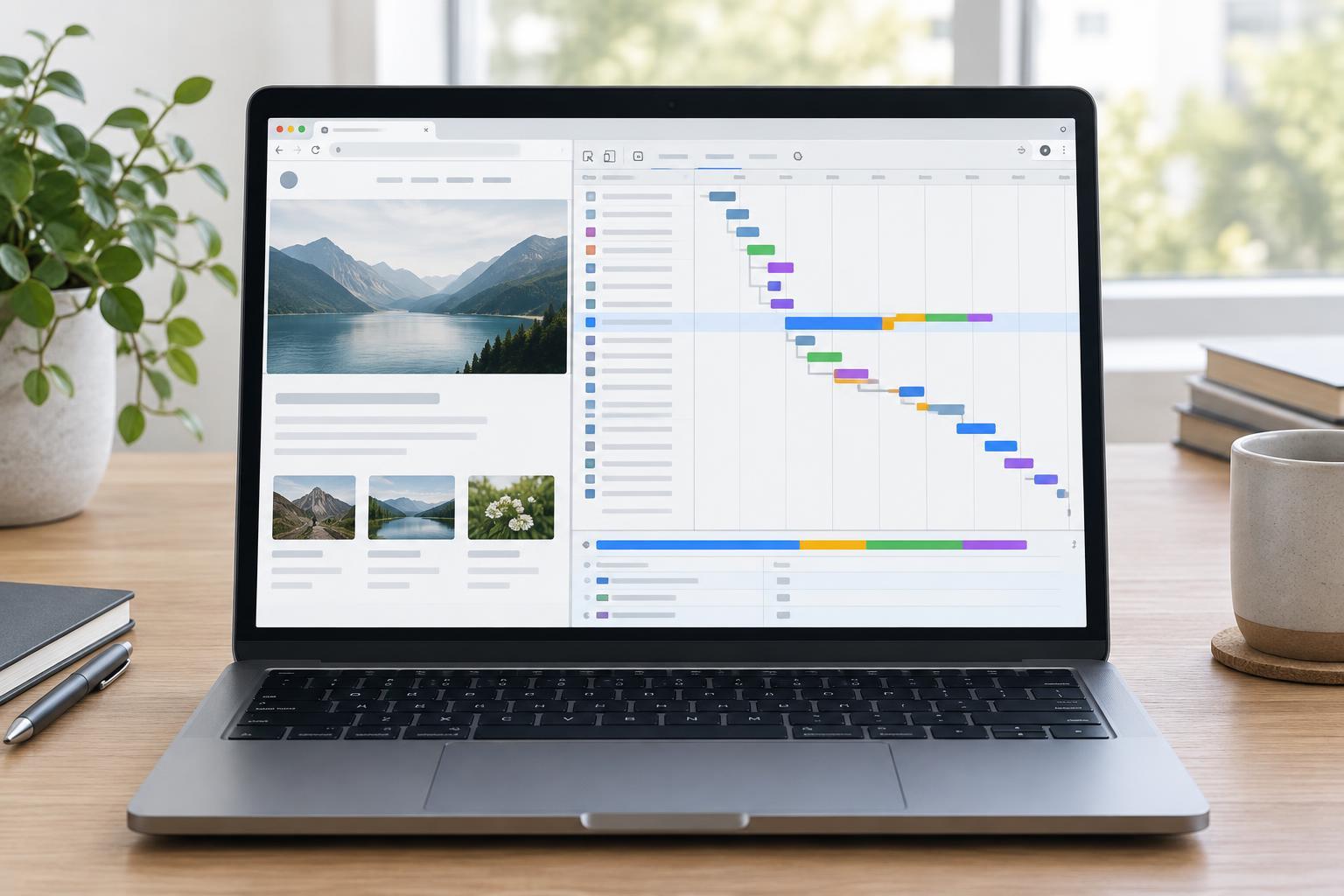
What the waterfall shows
A browser network waterfall is a timeline of the requests made while a page loads. Each row usually represents a document, stylesheet, script, image, font, or API request. Its bar shows when the request began and how its time was spent. Reading from top to bottom can reveal which resources were requested early, which arrived later, and which requests may depend on others.
Open your browser’s developer tools, select the Network panel, and reload the page to capture its initial load. Browser labels and colors vary, so use the timing details for a request rather than relying on color alone. Start by finding the main document: it is the response to the page URL and often leads to many of the requests below it. The waterfall is a record of what happened during this load, not a complete explanation of why the page felt fast or slow.
Read one request from left to right
A request can spend time waiting before data is sent. Tools may call this phase queueing, stalled, or blocked. A browser might delay a request because of scheduling or a connection limit, but the label alone does not establish the cause. For a new connection, the chart may also show DNS lookup, TCP connection, and TLS negotiation. Those phases may be absent when an existing connection is reused or when the response comes from a cache.
After the browser sends the request, it waits for the first response byte. This is commonly labeled “Waiting” or “Time to First Byte” (TTFB). It includes more than server processing: network travel and other delays can contribute. The final phase, often called content download, covers receiving the response body. A long download may point to a large transfer or a slow connection; a long wait calls for a different investigation. Check the request’s size, status, and timing details before deciding what to change.
Look for the chain that holds up the page
The longest bar is not necessarily the most important one. A large image requested late might finish after the page is already useful, while a small stylesheet requested early could delay visible content. Look for sequences: the document arrives, its HTML reveals a stylesheet, and that stylesheet leads the browser to request a font. Each discovery can push the next request later. The request’s initiator, when the tool provides one, helps you trace these relationships.
Also note requests that start together. On modern connections, multiple resources may share one connection and transfer at overlapping times, so overlapping bars do not automatically mean a problem. A useful question is: “What was the page waiting for before it could display the content I care about?” Compare that point in the page load with the request timeline. If an important image is discovered only after a script runs, for example, investigate whether it could be referenced earlier. Do not assume every late request belongs on the critical path.
Check the conditions behind the capture
A waterfall changes with browser state. On a repeat visit, cached files may load without a full network transfer. A service worker can also respond to requests in ways that differ from a first visit. For a clean comparison, decide whether you are studying a first load or a repeat load, keep that choice consistent, and note whether the Network panel’s cache-disabling option is enabled. If you use network throttling, record that setting too.
Filters can hide requests, so begin with the full list before narrowing it to images, scripts, or another type. Check for failed requests and redirects: a redirect adds another step before the browser reaches the intended resource, while a failure may cause retries or leave part of the page missing. Capture more than once if a delay seems unusual. Network conditions and server response times can vary between loads.
Turn the chart into a testable fix
Work from a specific observation rather than a general impression that the waterfall looks busy. If the page waits on a stylesheet, ask whether its contents are needed for the initial view. If an image takes a long time to download, inspect its transferred size and whether a more suitable image file could serve the same purpose. If an important resource starts late, use the initiator and surrounding rows to learn what triggers it.
Change one thing at a time and capture another waterfall under similar conditions. Compare not just the duration of an individual request but when the content you care about becomes visible and usable. A shorter bar is helpful only if it improves the experience you set out to investigate. The waterfall’s greatest value is that it turns a vague complaint—“this page feels slow”—into a sequence of requests, delays, and questions you can test.


