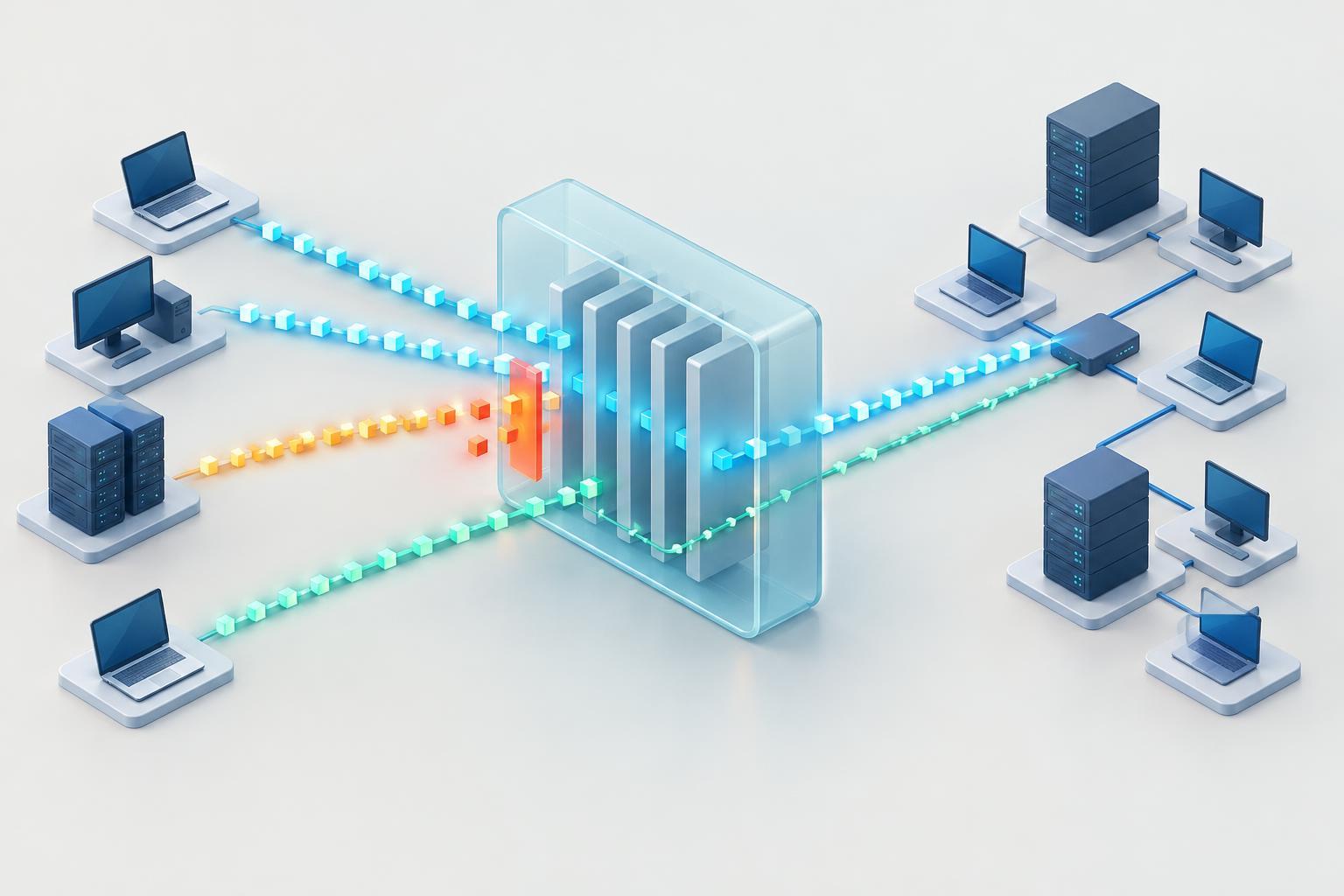
What a firewall rule does
A network firewall sits at a boundary where traffic passes from one network or segment to another. It examines packets and applies a policy: allow the traffic, block it, or sometimes log it for review. A home router, a cloud network firewall, and a firewall between office segments can all serve this purpose, though their features and terminology differ. The key question is the same: should this traffic be allowed to cross this boundary?
A typical rule describes a source, a destination, a protocol, and a port. The source and destination may be individual IP addresses, address ranges, or named network groups. The protocol might be TCP, UDP, or ICMP. For TCP or UDP traffic, a destination port often identifies the service being contacted. For example, a rule could allow devices on an office network to reach a web server on TCP port 443. That rule is narrower than one allowing the office network to reach every port on the server.
Rules may also specify direction or network zone. An inbound rule for a public-facing server is different from a rule that lets that server initiate outbound connections. Think of each rule as a sentence: “Allow this source to contact that destination for this purpose.” If the sentence cannot be stated clearly, the rule may be broader than necessary.
How traffic is matched and decided
Suppose a laptop tries to connect to a web server. The firewall compares the packet with its configured policy. On firewalls that use an ordered rule list, the first matching rule commonly determines the action; a broad rule near the top can therefore prevent a narrower rule below it from ever being used. Other platforms use different evaluation models or combine several policy layers, so check how a particular firewall resolves matches before changing it.
A packet that matches no explicit rule is handled by the firewall’s default policy. A default-deny approach blocks unmatched traffic, requiring an intentional rule for each permitted flow. This is often easier to reason about than allowing everything unless a rule blocks it. However, a default-deny policy needs careful planning: forgetting a required service can interrupt legitimate work.
The firewall’s location matters as much as its rules. A rule can govern traffic only if that traffic actually crosses the firewall. Two devices on the same local segment may communicate without passing through a firewall at the network edge. To control communication between groups of devices, a network may need separate segments and a firewall or other enforcement point on the path between them.
Why state changes the rules for replies
Many firewalls are stateful: they track connections that have been allowed to start. When a laptop initiates an approved TCP connection to a web server, a stateful firewall can recognize the server’s reply as part of that connection and permit it back. Administrators usually do not need a separate broad inbound rule for every response. For UDP, which has no TCP-style connection setup, a stateful firewall may track recent exchanges for a limited time so that expected replies can pass.
A stateless filter evaluates packets without relying on a connection record. It can still filter by addresses, protocols, and ports, but permitting a request and its response may require rules for both directions. Stateful tracking is useful, yet it does not make allowed traffic safe by itself. If a permitted application is misconfigured or a permitted device is compromised, the firewall may still allow traffic that matches its policy.
Build rules around specific needs
Begin with a simple traffic map: which devices need to communicate, where are they, and which service do they need? For a small web service, the map might show visitors reaching a web server on TCP port 443, while only an administrator’s network can reach its management service. A database behind the web server might accept connections only from the application server, not directly from visitors. These are examples of intended paths, not a complete policy for every deployment.
Translate each path into a rule with the narrowest practical source, destination, and service. Group related rules by purpose and give them clear names. Avoid an “allow any to any” rule as a shortcut: it can obscure missing requirements and make later restrictions ineffective. Before removing an existing rule, identify what uses it. After making a change, test both sides of the policy: confirm that intended connections work and that a connection meant to be blocked does not.
Logs can help explain blocked connections and reveal rules that still see traffic, but a log entry alone does not prove a connection was harmful. Review rules when services move or are retired, and remove permissions that no longer have a clear purpose. A useful firewall policy is not simply a long list of blocks; it is a readable description of the traffic a network is meant to carry.


