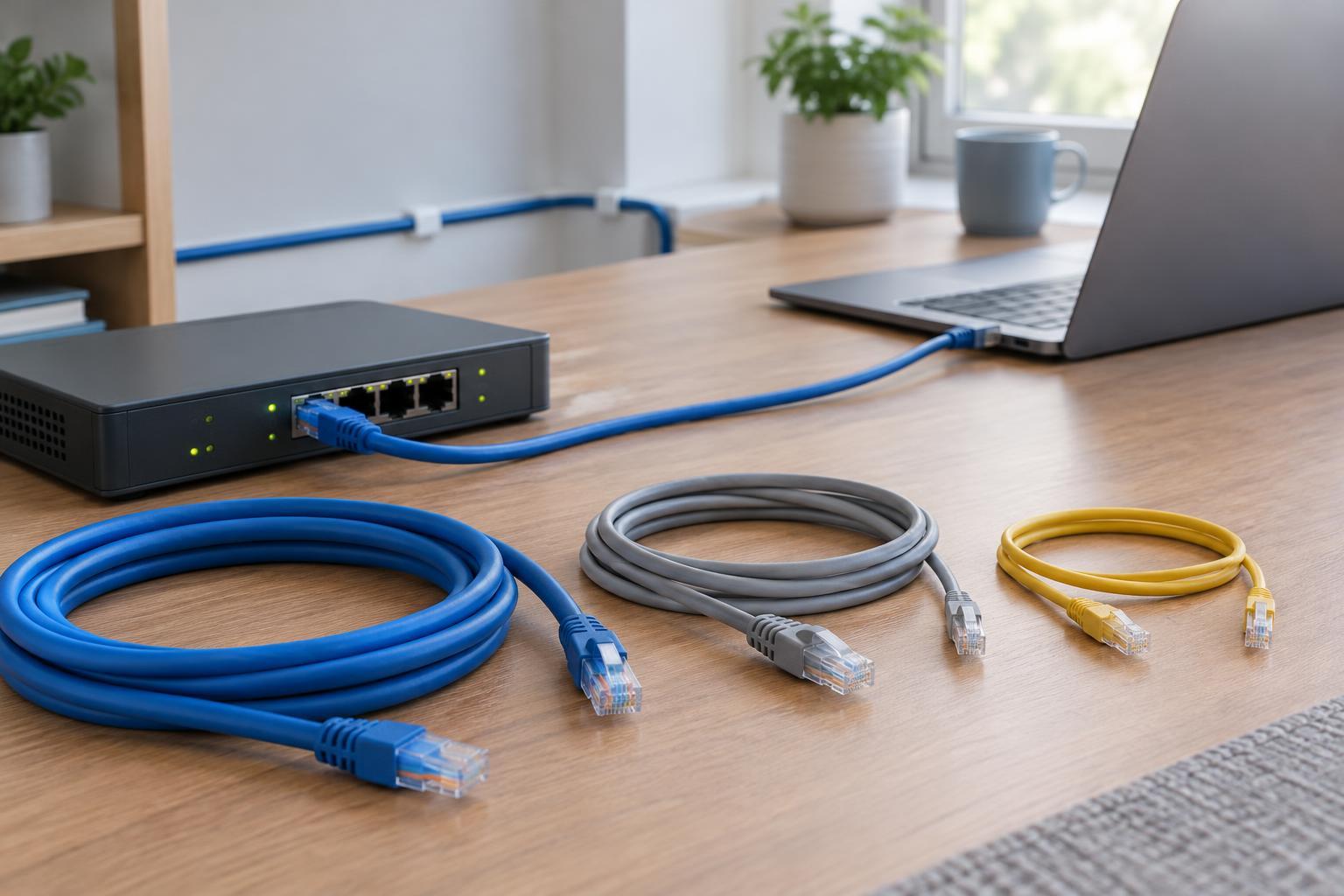
Start with the speed your equipment can use
An Ethernet cable connects two devices, such as a computer and a switch, to form a link. The devices negotiate a link speed that both ends support. If your computer has a 1-gigabit Ethernet port and your switch has a 1-gigabit port, replacing a suitable cable with a higher-category one will not turn that link into a 10-gigabit connection. Your internet plan is a separate limit: a fast local link does not guarantee equally fast downloads.
Before shopping, check the port specifications on both ends of the connection. Look for speeds such as 1 GbE, 2.5 GbE, 5 GbE or 10 GbE. Then measure the route the cable will take, including bends and any extra length needed to reach the ports comfortably. Cable category matters, but so do distance, connectors and the quality of the installation.
Choose a category for the job
Cat5e is a practical choice for a typical 1 GbE connection at distances up to 100 meters when the complete cabling run meets its specifications. It may also support 2.5 GbE, and in some installations 5 GbE, but performance depends on the cabling and conditions. For a short connection between a router and a computer with 1-gigabit ports, a sound Cat5e cable is usually sufficient.
Cat6 provides more headroom against interference than Cat5e and is a common choice for new runs. It supports 1 GbE over a standard 100-meter channel and can support 10 GbE over shorter runs, often described as up to about 55 meters under suitable conditions. Cat6a is designed for 10 GbE over a 100-meter channel, though it is typically thicker and less flexible. If you are installing cable that will be difficult to replace and expect to use 10-gigabit equipment, Cat6a may be worth considering.
Cat8 is intended for short, specialized high-speed links, not as a routine upgrade for a home network. Be cautious with listings that promote a category number without stating a standard, conductor material or intended use. Labels such as Cat7 can also complicate comparisons because the connector and cabling system matter, not just the number printed on the jacket.
Match the cable construction to its location
For a short lead from a wall socket to a laptop, a flexible patch cable is convenient. Longer fixed runs through a building typically use solid-conductor cable terminated into suitable jacks or patch panels. These are different jobs: repeatedly bending or moving a solid-conductor cable can damage it, while a patch lead should not automatically be treated as a substitute for properly specified permanent cabling.
Look for copper conductors rather than copper-clad aluminum, often abbreviated CCA. CCA is generally a poor choice for standards-compliant network installations, particularly where Power over Ethernet (PoE) supplies electricity to devices such as access points or cameras. For a cable routed inside walls, ceilings or shared air spaces, select a jacket rating appropriate to the installation and check applicable local requirements. An outdoor route needs cable and installation methods suited to moisture, sunlight and exposure.
Understand shielding, connectors and length
Unshielded twisted pair cable is suitable for many homes and small offices. Shielded cable can help in environments with significant electrical interference, but it works best as part of a properly designed system with compatible connectors and grounding. Buying a shielded patch cable alone is not a reliable fix for an unknown network problem.
Most everyday Ethernet patch cables use the familiar eight-position modular plug commonly called RJ45. Check that plugs, jacks and patch panels are appropriate for the cable category and conductor type. Avoid sharp bends, crushed cable and tight pulls during installation. A link can fall back to a lower speed or become unreliable if a cable or termination is damaged, even when the label claims an adequate category.
Use a simple buying checklist
For an ordinary 1 GbE patch connection, choose a correctly sized, copper Cat5e or Cat6 cable from a seller that clearly describes its specifications. For a new fixed run where 10 GbE over a longer distance is a realistic goal, consider Cat6a and compatible termination hardware. If you already have cabling and want to move to 2.5 or 5 GbE, test the existing link before replacing it; the result may depend on the condition of the entire run.
After connecting the cable, check the negotiated link speed in your device or switch settings. If it is lower than expected, try a known-good short cable and confirm that both ports support the target speed. This separates an equipment limitation from a cabling problem and makes the next purchase more informed.


