What an email alias changes
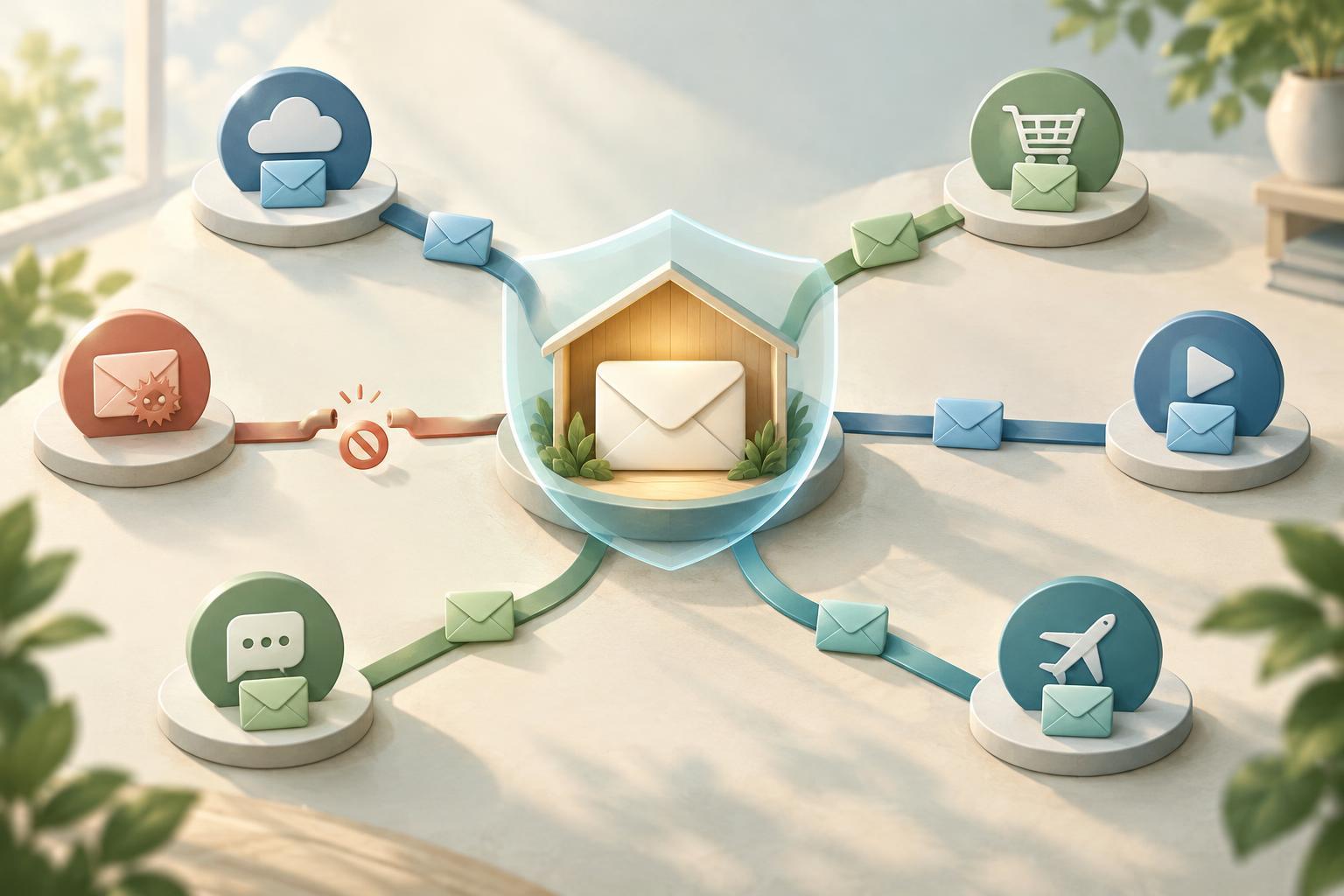
Your email address is often both a contact method and an account identifier. When you use the same address for every sign-up, a service that shares, exposes, or mishandles it can make that address easier to connect with your other accounts. An email alias gives a service a different address while still allowing its messages to reach you. Think of the alias as a separate label on mail headed to your inbox, not necessarily as a separate inbox.
Aliases are useful for limiting how widely your primary address is known. If unwanted messages start arriving at an address used for one shop or app, you have a clue about where it was used and may be able to disable that alias. This does not prove the service itself disclosed the address: you might also have entered it elsewhere, and messages can be forwarded or copied. The benefit is control over one point of contact, not a guarantee of anonymity.
Choose the right kind of alias
A plus-address, such as name+shop@example.com, is a simple option if your email provider supports it. Mail sent to that address usually arrives in the mailbox for name@example.com, and you may be able to filter it by the address used. It is convenient, but the underlying address is easy to infer by removing the text after the plus sign. Some sign-up forms also reject plus signs.
A masked or forwarding alias uses an address that does not visibly contain your main address. A forwarding service receives mail for that address and passes it to your inbox. Some services also let you reply without revealing your inbox address; check how replies work before relying on this feature. A custom domain offers another option: you can create distinct addresses at a domain you control. That provides flexibility, but it also means maintaining the domain and its mail setup. Addresses at the same domain may still be recognizable as yours.
Set up a system you can maintain
Start with accounts where a separate address would be most useful, such as shopping, newsletters, community sites, and new apps you are testing. For a service you expect to keep, use one distinct alias rather than reusing an alias across unrelated sign-ups. Keep a record of which address belongs to which account. A password manager can help store the sign-in address alongside the password, reducing confusion when you need to log in later.
Before using an alias for an important account, test whether you can receive verification codes and password-reset messages. If you use a forwarding provider, your access to those messages depends on both that provider and your destination inbox. Keep your recovery details current, protect those accounts with strong, unique passwords and available multi-factor authentication, and consider how you would regain access if forwarding stopped working. Avoid disabling an alias until you are sure you no longer need account or purchase messages sent to it.
Know the limits of protection
An alias only separates an email address from some of your other activity. A service can still identify the account you created with it and may hold other details you provided, such as a phone number, delivery address, or payment information. Aliases do not stop tracking through your browser or prevent phishing. An attacker can send a convincing message to an alias just as they can to a primary address, so inspect unexpected requests rather than treating mail as trustworthy because it arrived through a known alias.
Forwarding also introduces another component into your email setup. Depending on how it works, the alias provider may handle message content or metadata while delivering mail. Review its privacy and security settings, and decide whether you are comfortable using it for sensitive accounts. If a service requires your existing address for a specific purpose, an alias may not be accepted; use a reliable address you control rather than risking loss of access.
Review and retire aliases deliberately
Over time, your alias list can become a useful map of where you have signed up. Periodically check which addresses still receive mail and whether the associated accounts are still needed. If an alias attracts unwanted messages, first confirm that legitimate mail is not also arriving there. You can then update the account to a new address, unsubscribe from mail you requested, or disable the alias if it is no longer needed.
The simplest sustainable approach is often to keep your primary address for people and essential communications, use distinct aliases for routine sign-ups, and document exceptions. Aliases work best as one layer of account hygiene alongside unique passwords, careful recovery settings, and attention to the information you share with each service.


