The cost of connecting for every request
An application often needs a database connection for a brief task: read a product record, save a form submission, or update an account setting. It could open a connection before each task and close it immediately afterward. That sounds tidy, but establishing a connection takes work. The application and database must communicate, authenticate, and prepare a session before a query can run. Repeating that process for every operation adds avoidable delay.
Connections also consume resources on the database server. If many application requests arrive together and each opens its own connection, the server may spend too much capacity managing sessions instead of executing queries. A connection pool addresses both problems by keeping a limited set of connections available for reuse.
How a connection pool works
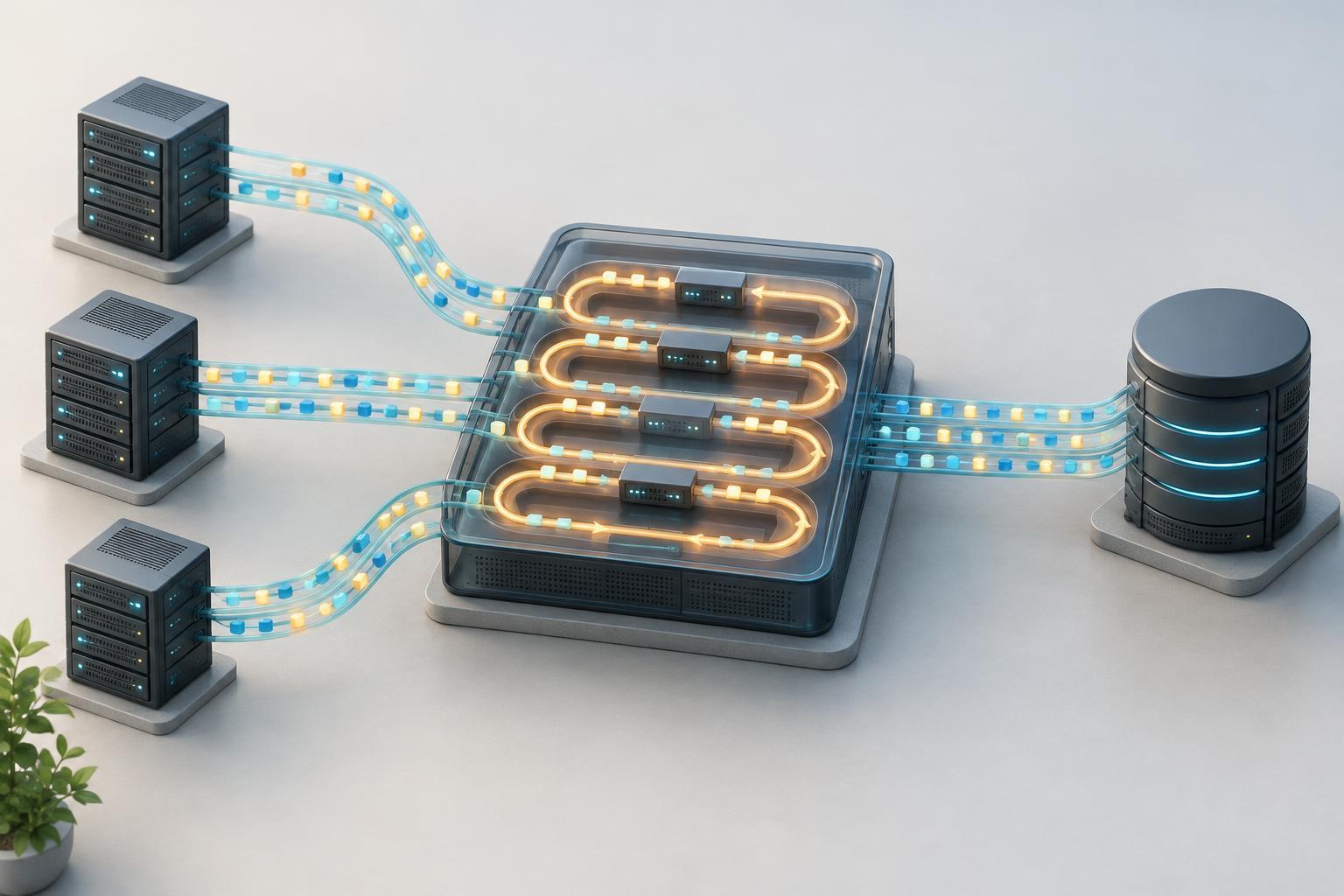
Think of a pool as a small checkout desk for database connections. When application code needs to run a query, it asks the pool for a connection. If one is idle, the pool lends it to the code. After the operation finishes, the code returns the connection to the pool rather than closing it. A later operation can use that same connection without starting a new session.
A pool usually has limits and timeouts. It may open additional connections when demand rises, up to a configured maximum. If every connection is busy, new requests wait for one to become available. If the wait exceeds a configured timeout, the request fails rather than waiting indefinitely. Pools may also retire idle or unhealthy connections and replace them when needed.
Returning a connection is a critical part of this lifecycle. Application code should release it even if a query fails. A connection left checked out cannot serve another request; enough such leaks can make a healthy database appear unavailable. Many database libraries provide a scoped API or a finally block pattern to make release more reliable.
Pooling controls concurrency, not just speed
Reusing connections can reduce the overhead of repeated setup, but a pool has another important role: it limits how many operations an application instance can send to the database at once. Imagine a web service receiving a burst of requests. Without a limit, those requests might all attempt to connect simultaneously. With a pool, some can run while the rest wait in an application-side queue.
That queue is useful only within limits. If queries remain slow and requests keep arriving, waiting work builds up, response times rise, and requests may time out. Increasing the pool size is not always the answer: more simultaneous queries can place even more pressure on the database. Slow queries, transactions held open too long, or unexpectedly high request volume may be the underlying issue.
Choosing a pool size across an application
Pool settings need to account for the whole deployment, not just one process. If an application runs several instances and each instance can open its own maximum number of connections, the database may see the combined total. Background workers, administrative tools, and other services may need connections too. A per-instance setting that looks modest in isolation can become too large as the application scales out.
Start with the database’s connection capacity, the number of application instances, and the work each request performs. Then observe the system under representative traffic. Useful signals include how many connections are active or idle, how long requests wait to acquire one, how often acquisition times out, and how long queries and transactions take. These measurements help distinguish a pool that is too small from a database that is already saturated.
Some architectures, including those with many short-lived application instances, may use an external connection pooler or database proxy to share a smaller set of database connections. Such a component can help manage connection counts, but its behavior depends on the database and pooling mode. Features that rely on session state may need particular care.
Habits that keep a pool healthy
Keep the time a connection is checked out as short as practical. Acquire it when database work is about to begin, finish queries and transactions promptly, and return it before doing unrelated work such as calling another service. Make sure failed operations roll back transactions where appropriate, so a reused connection does not carry unfinished work into the next request.
Set finite acquisition timeouts and handle them as application errors rather than letting requests wait forever. Check that the pool can detect connections dropped by the network or database, and close the pool cleanly when an application process shuts down. These practices do not remove the need to optimize queries or plan database capacity. They make connection use predictable, which is the real value of pooling: applications reuse a costly resource while placing a clear boundary on concurrent demand.


