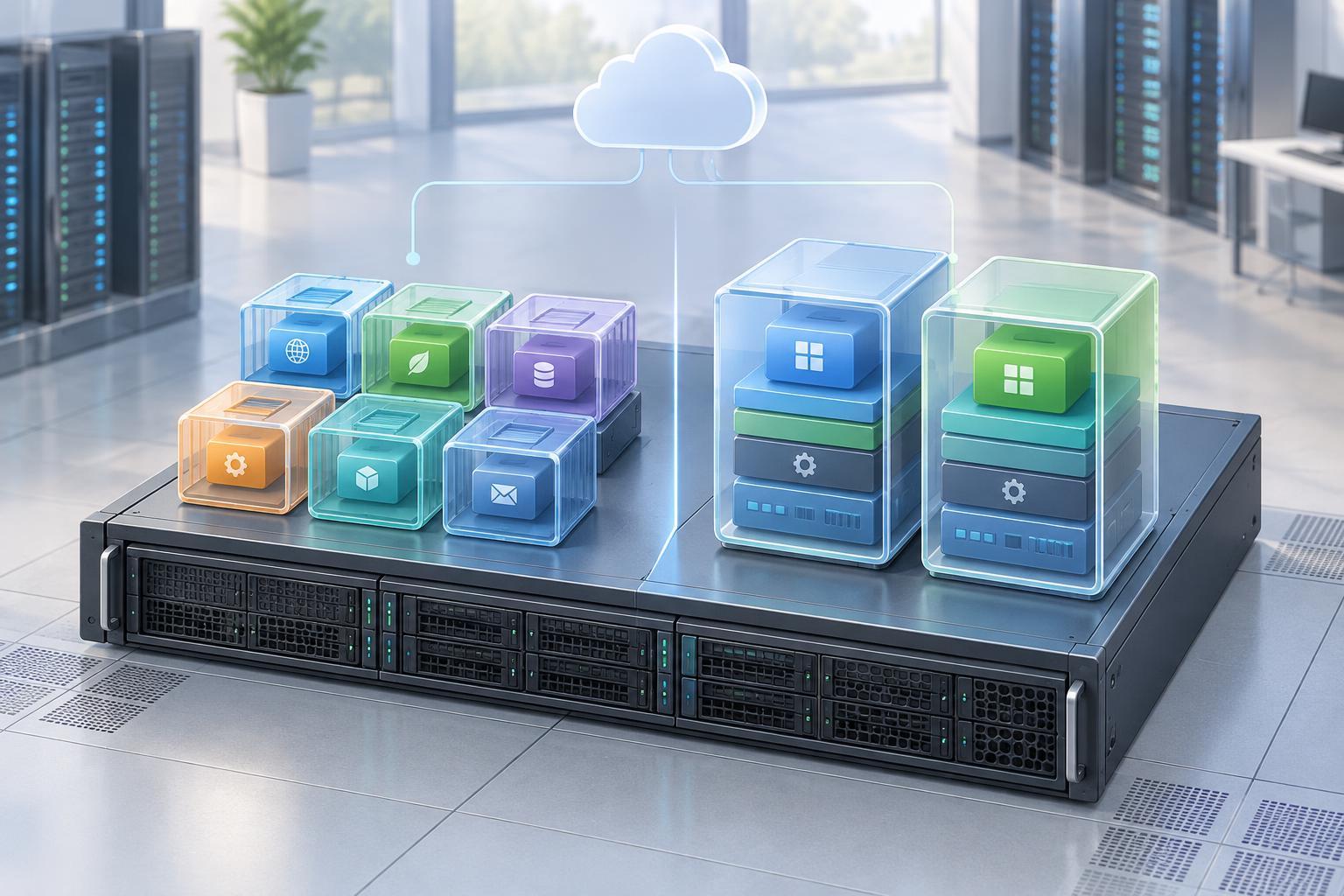
Two ways to run workloads on shared hardware
A cloud server is ultimately computing hardware that can run many workloads. Virtual machines and containers let teams divide that capacity, package software and deploy it with more predictable results. The key difference is where each technology draws its boundary: a virtual machine includes its own operating system, while a container typically shares the host system’s kernel.
A virtual machine, or VM, runs on a virtualization layer called a hypervisor. The hypervisor presents virtual CPUs, memory, storage and network devices to each VM. Inside that boundary, a guest operating system starts and runs applications much as it would on a physical computer. Several VMs can occupy one physical host while remaining separate operating-system environments.
A container packages an application with the libraries and other user-space components it needs. The container runtime uses operating-system features to separate processes and limit their access to resources. Containers on the same host generally use the same kernel, even though each can have its own filesystem view, network settings and process space.
Why the boundary matters
Because a VM boots a guest operating system, it can offer a useful boundary when workloads need different operating systems or kernel settings. A team might keep an older application in one VM and run a newer service in another without requiring both to share the same software environment. The guest OS also needs updates, configuration and monitoring, so each VM adds administrative work.
Containers avoid a separate guest OS for every application instance. That often makes container images smaller than full VM images and allows container instances to start quickly. These are tendencies, not guarantees: image contents, storage speed, initialization steps and platform configuration all affect startup time and resource use.
Sharing a kernel has an important consequence. A container does not provide the same operating-system boundary as a VM. Container isolation can be strengthened with restricted permissions, resource limits and other platform controls, but it should not be treated as a reason to ignore host security. Likewise, a VM still needs sound configuration and patching; its boundary does not make the application inside it automatically secure.
How deployment and scaling differ
With VMs, a team commonly chooses a machine size, installs software and runs one or more services on that machine. VM images and automation can make deployments repeatable, but teams still need to plan for operating-system maintenance, capacity and replacement when a machine fails. Scaling may mean adding more VMs and arranging for traffic to reach them.
With containers, a team builds an image that describes the application environment and runs copies of that image where capacity is available. This is useful when services are updated often or need multiple identical instances. A container orchestrator can schedule instances, restart failed ones and help roll out new versions. It also introduces concepts to learn, such as image registries, service discovery, configuration and persistent storage.
Neither packaging method solves application design problems on its own. If an application writes important files only to a temporary container filesystem, replacing that container may lose those files. If a VM holds the only copy of important data, replacing the VM presents a similar problem. In either case, decide where persistent data lives and how it will be recovered before relying on automated replacement.
Choosing a sensible starting point
A VM is often a straightforward choice for a small, stable workload that needs a familiar server environment, a particular operating system or significant control over system configuration. It can also suit a team that wants to move an existing server-based application to the cloud with relatively few packaging changes. The trade-off is that the team must account for guest-OS upkeep alongside application upkeep.
Containers are often useful when a team wants consistent application packaging across development and deployment, runs several services or expects frequent releases. They can make it easier to replace individual application instances. That benefit is strongest when the team also has a workable approach to image updates, configuration, logs and storage; adding an orchestration platform before those basics are clear can increase complexity.
A practical decision starts with the workload rather than a preferred tool. Ask what operating system it needs, how often it changes, where its data lives, what isolation it requires and who will maintain the platform. Then test a small deployment and document the steps needed to update it and recover from a failure. The simplest option that meets those needs is usually the better starting point.
They often work together
Containers and VMs are not mutually exclusive. Many cloud setups run containers inside VMs: the VM supplies a host environment and an additional infrastructure boundary, while containers package the applications running on it. A team may interact mostly with containers even when VMs sit underneath its cloud platform.
That layered view clears up a common misconception. Choosing containers does not mean hardware, operating systems or maintenance disappear; some of those responsibilities move to a platform provider or another team. Whether you deploy a VM, a container or both, identify who manages each layer, keep software updated and plan for failures. Those operational choices often matter more than the label on the package.


