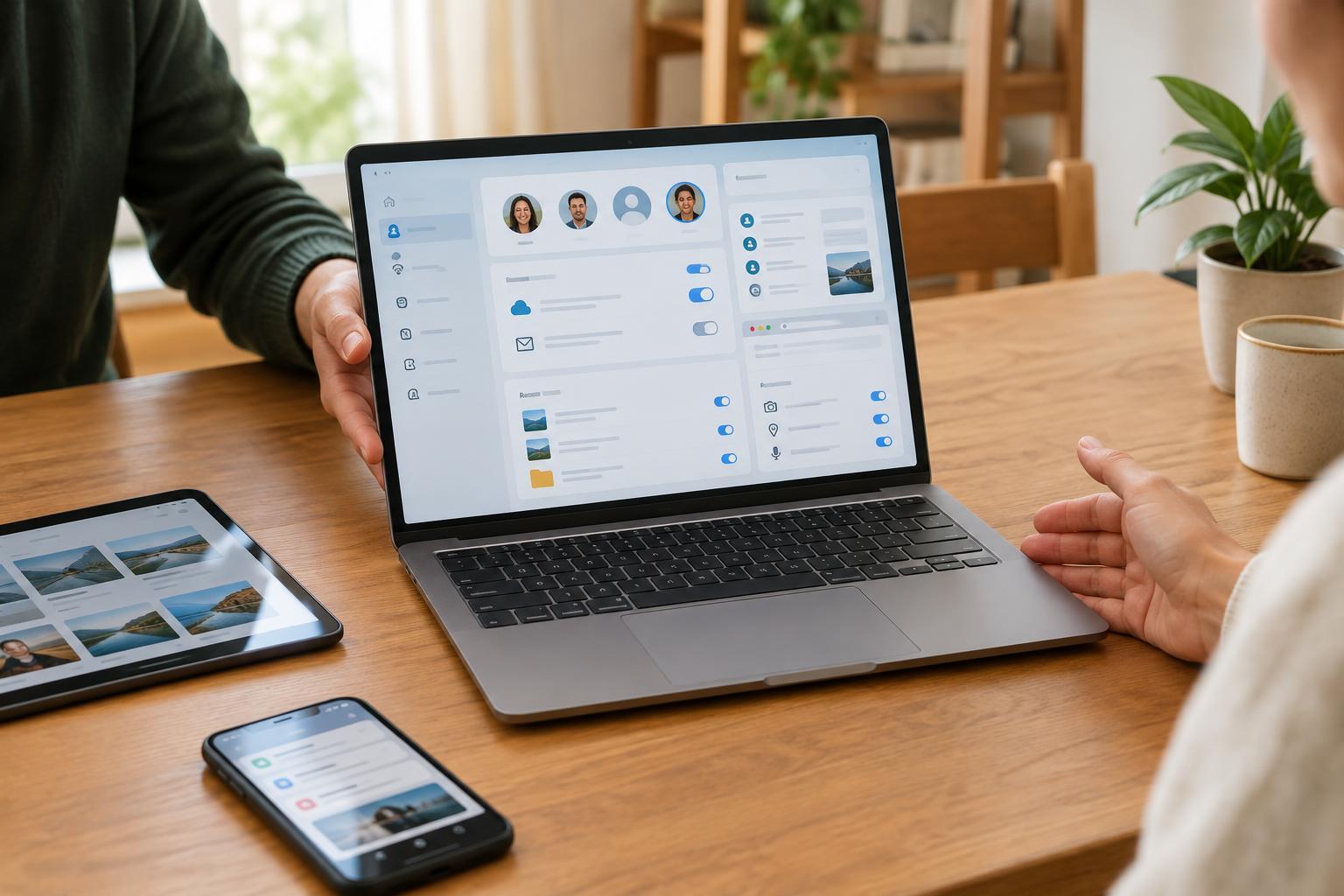
A shared device is more than a shared screen
When several people use one computer or tablet, privacy depends on where each person’s activity is stored. Some information stays in a browser tab; other information is saved to a browser profile, an app, an operating-system account, or a synced online account. Closing a tab may hide what was on screen without removing a downloaded file, a saved password, or a notification that appears later.
Start by identifying how the device is shared. Does each person sign in to a separate operating-system account, or does everyone use the same desktop and browser? Separate accounts generally provide a clearer boundary for files, settings, and app sessions. A guest account can be useful for occasional visitors. Neither option replaces a screen lock: if someone can use an account while it is open, they may be able to see whatever that account can access.
Mistake 1: Treating a private window as a separate account
Private or incognito browsing usually limits what the browser keeps in its local history after the private session ends. It does not make activity invisible to websites or to everyone who manages the device or network. It also does not automatically remove files you download or bookmarks you create. If you sign in to a service in a private window, that service still knows you are signed in during the session.
For routine use, give each person a separate operating-system account where practical. If that is not possible, separate browser profiles can keep bookmarks, history, and saved credentials more organized, but they may be easy for another person using the same desktop to open. Use a guest browser profile for a short visit, close its windows when finished, and avoid saving passwords on an account that others can enter.
Mistake 2: Overlooking sync, saved logins, and autofill
A browser profile may sync tabs, history, bookmarks, addresses, or passwords across devices when it is connected to an online account. Signing into a browser on a shared computer can therefore bring personal information onto that computer. Signing out of a website alone may not disconnect the browser profile or remove information it has already stored locally.
Before using a shared device, check which browser profile is active and whether sync is enabled. When leaving, sign out of sensitive sites, then check the browser’s saved-password and autofill settings if you entered credentials or personal details. Removing a saved login from one device can have wider effects when sync is on, so read the prompt before deleting anything. If you are unsure what a setting will change, use a separate account or guest session next time rather than experimenting in someone else’s profile.
Mistake 3: Forgetting what remains visible outside the browser
Privacy settings inside a website do not control every trace on the device. Downloads may remain in a shared folder, recent-file lists may show their names, and an app may stay signed in after its window closes. Lock-screen notifications can display message previews even when the device itself is locked. A shared photo library or clipboard can also reveal material you did not intend to leave behind.
Check the device’s notification settings and consider hiding message content on the lock screen. Store personal files in your own account rather than a common desktop or downloads folder, and review downloads before ending a session. If you used a messaging, email, or cloud-storage app, check its account menu instead of assuming that closing the app signed you out. For especially sensitive tasks, using a device you control is often simpler than trying to clean up every possible trace afterward.
Mistake 4: Changing permissions without checking who they affect
Camera, microphone, location, and file-access permissions may be set for an individual website, an app, or the device as a whole. On a shared device, a permission granted for convenience might remain available to the next person using the same account. Conversely, switching off a device-wide permission may disrupt someone else’s legitimate use. The important question is not just whether access is on or off, but which account or app the setting applies to.
Make a short handoff routine: close your sessions, sign out where needed, review downloads, clear anything you placed in shared storage, and lock or sign out of your device account. If you manage the device, set up separate accounts before relying on repeated cleanup. Privacy on shared devices works best when each person has a defined space and everyone understands which spaces are actually shared.


